
If you pay your employees a commission for sales, QuickBooks POS can calculate and report commission amounts for you. Each employee can have his own commission rate and items can be marked in inventory as eligible or not for commission.
To assign or change employee commission rates:
- Commission rates can be defined while adding a new employee or using this procedure to edit an existing employee record.
- Highlight an employee record in your Employee list and select Edit Employee.
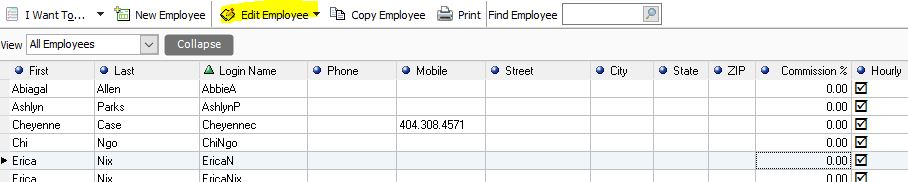
- Enter a commission percentage in the Commission field.
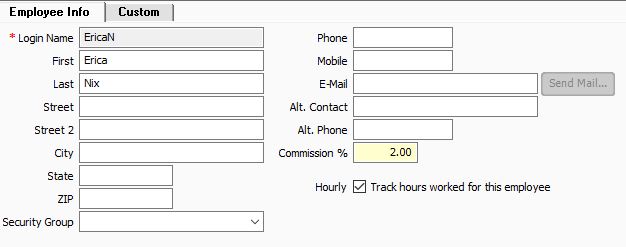
- Acceptable entries are 0.00 to 99.99.
- Select save.
To assign commission status to an item in inventory:
- Display an item record in Form View (while creating or by selecting edit with it selected in your item list).
- Select the checkbox labeled Earn Commission (this is checked by default).
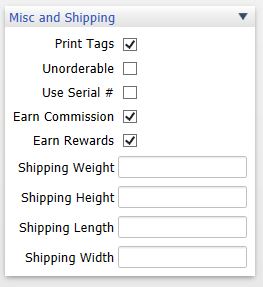
- If the box is checked, commissions will be calculated and displayed on sales of this item.
- If commission is not to be paid on the item, clear the checkbox.
- Select save.
How Commissions are Calculated on Sales
 The commission calculation is based on the assigned commission rate for the employee name in the Associate field on the sales document. If security is being used, the Associate field is suggested as the logged in employee, but can be edited (if, for example, you have floor sales people but a cashier is the employee logged in). The Associate field can be edited on a receipt or customer order on an item-by-item basis. This feature can be used to record commissions to multiple employees on a single sales receipt.
To record commissions on sales documents:
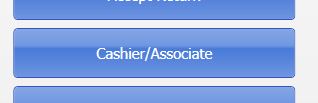
- Select an associate name on the Make a Sale screen by clicking the Cashier/Associate button.
- The employee selected is credited for all eligible item sales unless changed for individual items as explained in the following steps.
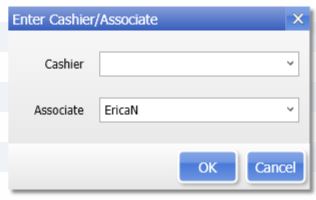
- The employee selected is credited for all eligible item sales unless changed for individual items as explained in the following steps.
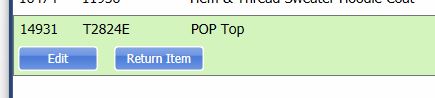
- To credit employee commissions on individual item basis, highlight an item and select edit item(<F5>) to open the Item Information window.
- Change the name in the Associate field for the item and then click OK.
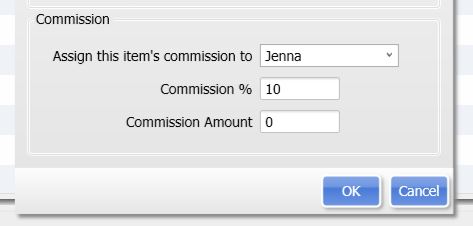
- Repeat for other items, as necessary.
Point of Sale calculates and displays the commission amount for each eligible item on the receipt, based on the assigned employees commission rate.
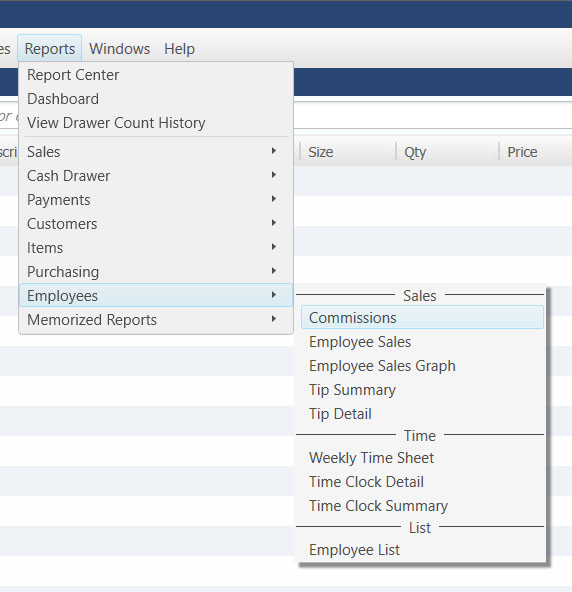
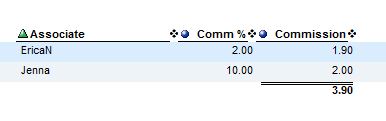
You can report on employee sales and commissions by running a Commission Report in QuickBooks POS. Do this by going on the Reports Menu to Employees and then Commissions.
Report Example:
Note: Commission information is not sent to QuickBooks Financial Software and will need to be added to Payroll Checks manually.
Is there a way to split the commission between multiple employees during the sale? In other words, have two or more sales associates?