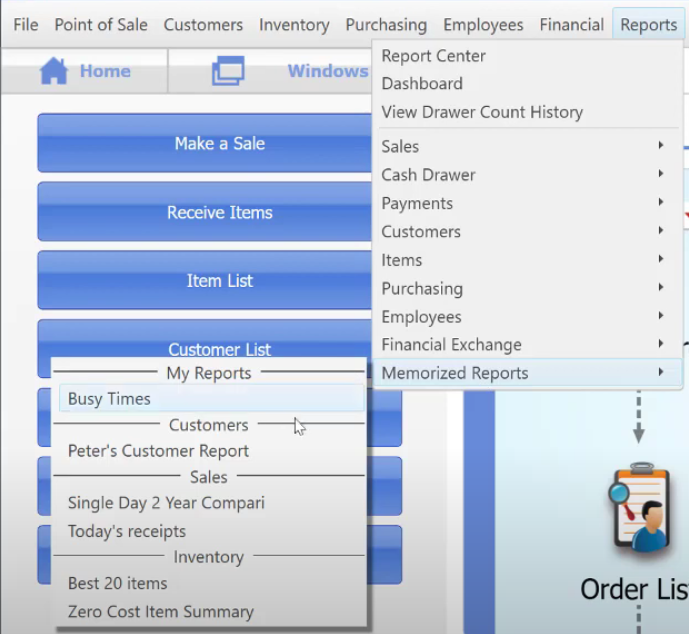
Today we’re going to be talking about managing the reports so you can organize and sort them in your liking.
So let’s start:
- Go to “Reports” → then “Report Center”.
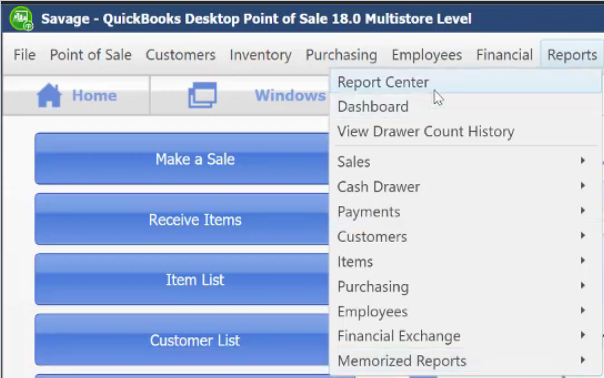
- In the Report Center window, click on “I Want to” → then “Manage My Reports”

- By clicking on “New Type”, this will enable you to create a section for a certain report type where in you can sort your reports.
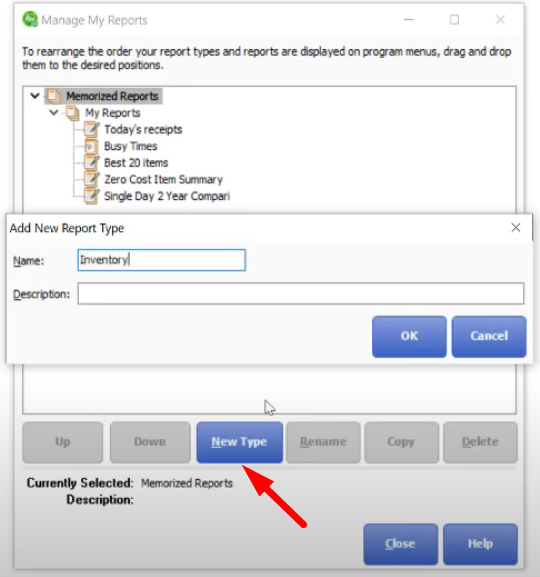
- The images below are an example of managing your reports using the “New Type” function. Best way to have your reports sorted out!