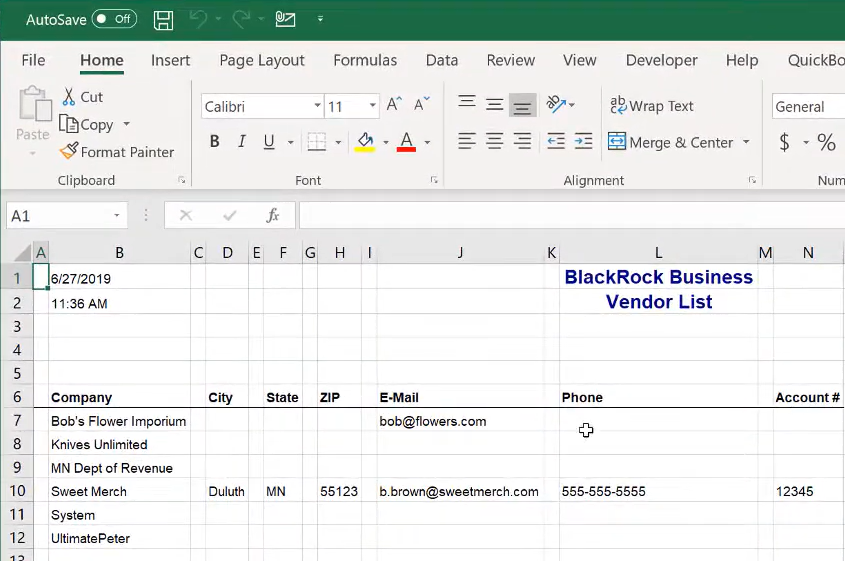
Today we are going to talk about exporting and printing vendor list.
Let’s begin:
- Go to “Vendor List”.
- On your Vendor list you’ll see different information about your vendor.
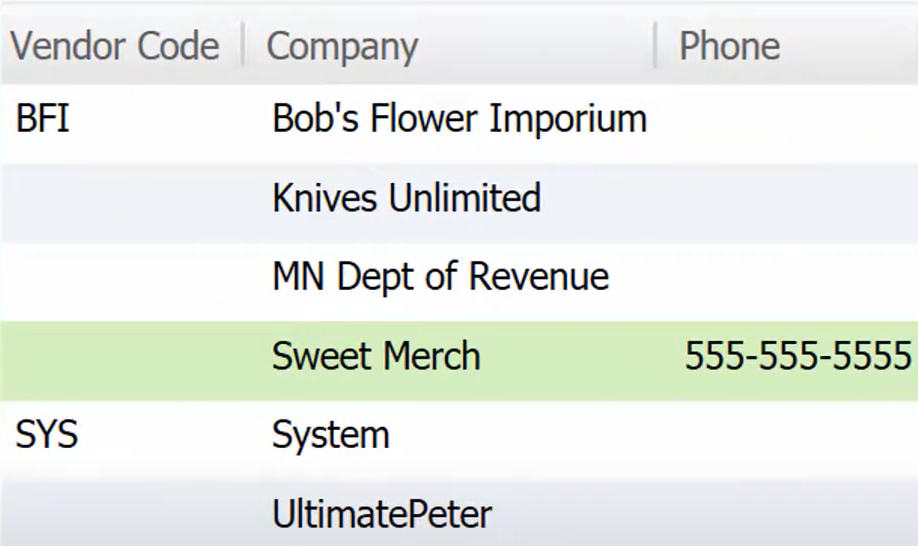
First way in exporting your Vendor list in Excel.
- On your Vendor list choose the vendor you want to export in excel.
- Go to “I want to” menu, then select “Export to Excel”.
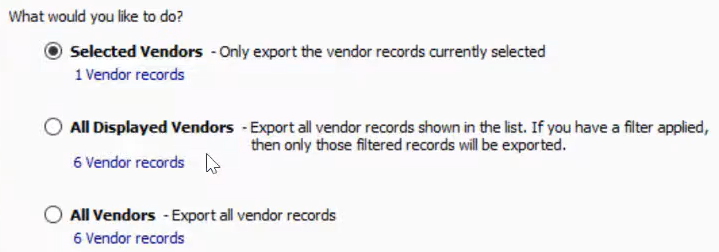
- Choose any of the three you want to use to upload to your excel. Then select “Next”.
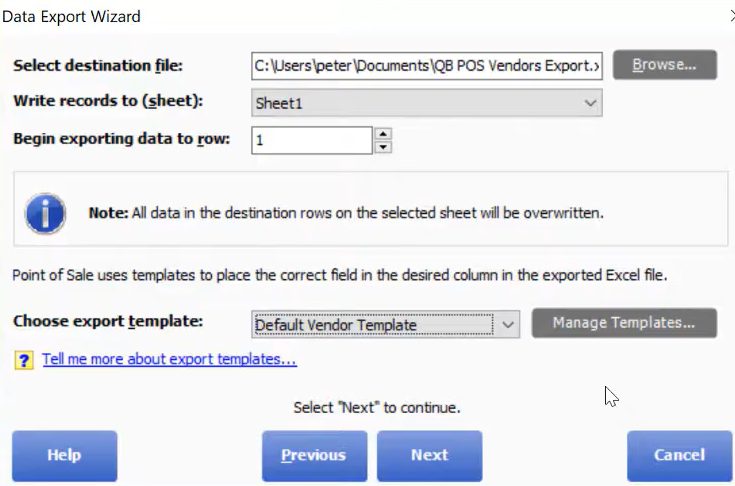
- Select “Next”.
Second way, in exporting your vendor list in excel.
- On the same Vendor List screen, go to “Reports” menu then select “Purchasing” and choose “Vendor List”.
- Report Center Vendor list tab will appear.

- On the Report center you can modify your vendor list to the kind of look you want to. Just select “Modify” on the menu bar.

- After you Modify your vendor list, select “Excel” menu.

- Your Vendor list is now on excel and ready to print anytime you want to.