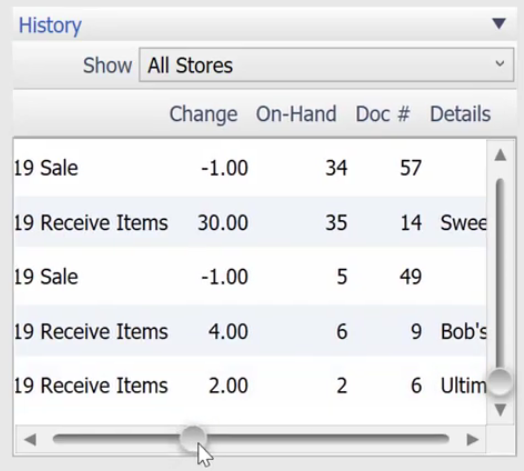
Today we will learn on how to look into the history of your item and on how you can use the item to your advantage.
Here’s how:
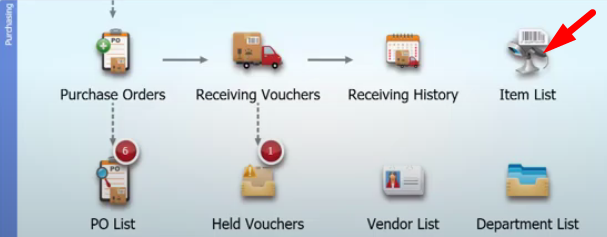
- On the main screen, select on “Item List” icon.
- Select on the item that you want to see its history. Highlight the item and click on the “Edit” button on the right part of the screen.
- On the details pane, you will see the History area. Here you will see different details such as the On-Hand items, Document number and the Vendors.