
Today we will teach you on how to switch task so you can work faster. Switching task is when you are on different screens and you can switch between them seamlessly very easily.
Let’s begin:
For example:
- If you are making a sale and you need to leave the screen and go do something else. So, first, go to “Make a Sale”.

- From your “sales Receipt” screen go to “Windows”.
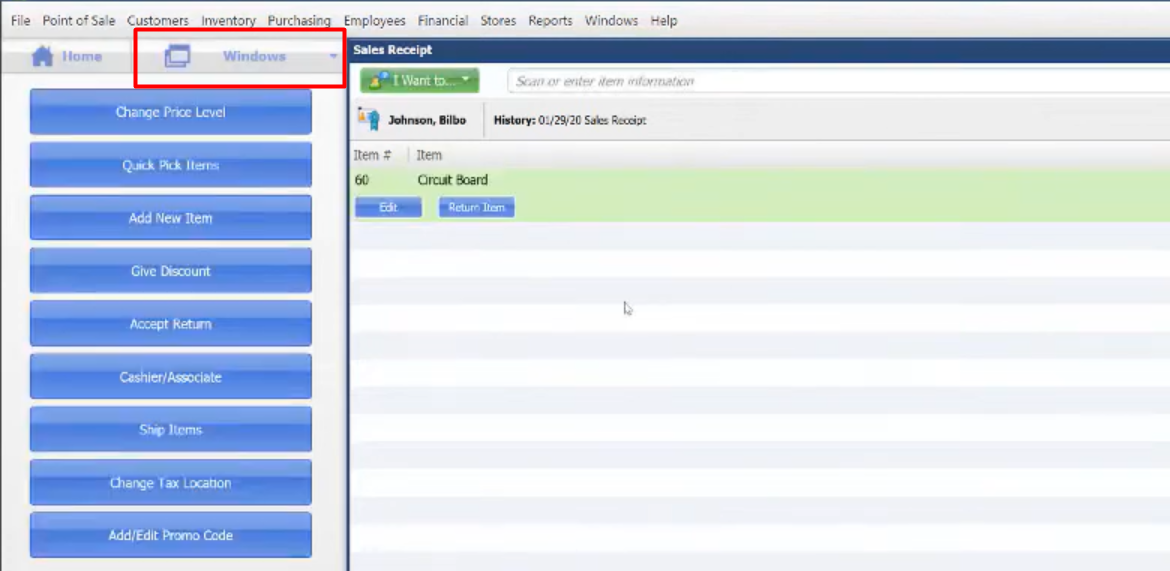
- On your Window you can now switch windows or switch task into what you want to work on besides your “Sales Receipt”.

- If you have an unfinished work for example on “Voucher” or “Receipt” it will just stay here. You can continue it anytime you want to.
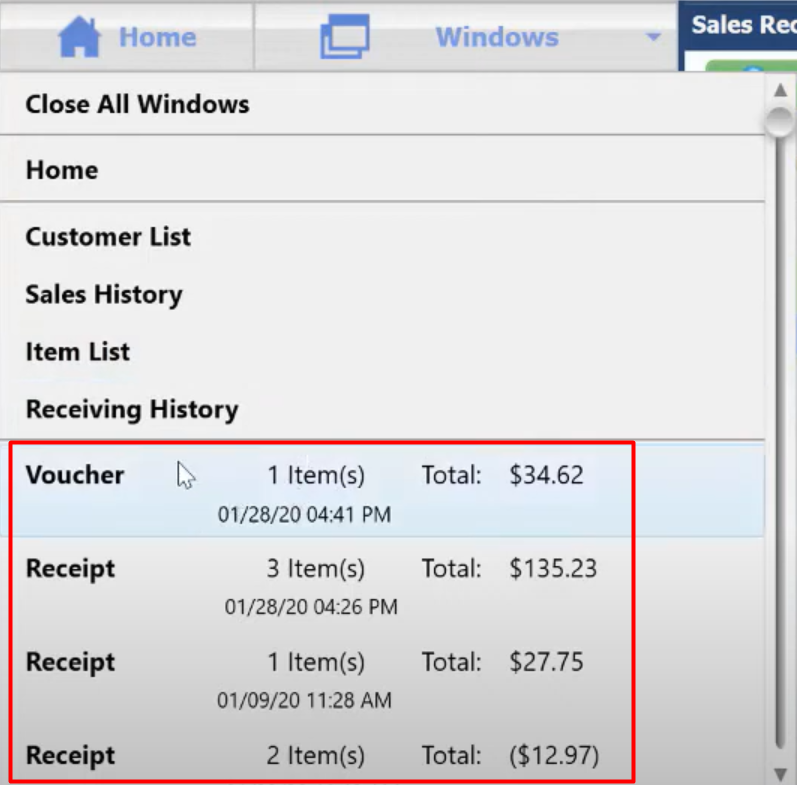
- Don’t forget to “Save” your task so that your work will not put on to Hold. For example, you’re ordering an item then you switch task you forgot to save what you ordered, then that screen will go to your “Window” and will Hold your items until you back in to it and save it that’s the time that your item will only be process, so be aware of it.