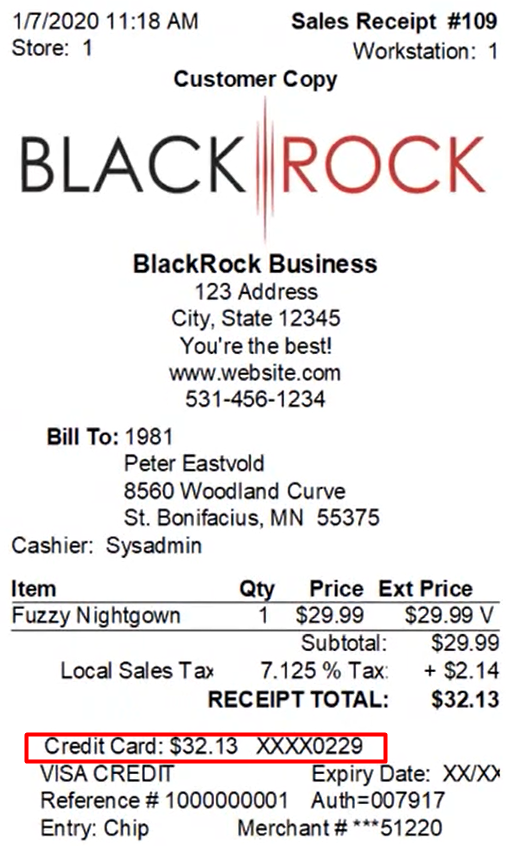
Today we are going to talk about taking credit cards on your make a sale screen.
Let’s begin:
- On your Home screen go to “Make a Sale”.
- Choose an item your customer wants to buy. (For example, your customer wants to buy Fuzzy Nightgown)
- Select “Credit” button.

- Select “Authorize Now”.
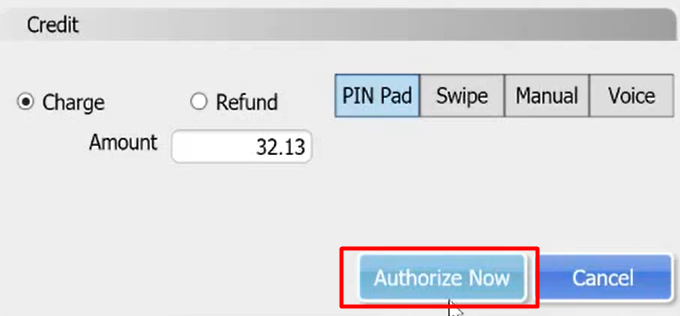
- Now, insert the credit card on the Pin pad.
- The Pin pad will ask if the amount of “32.13” is the right amount that you will pay, then select “Yes” on the Pin pad button.
- When the credit card is successful the Pin pad and the Credit screen will show you that it’s “Approved”.


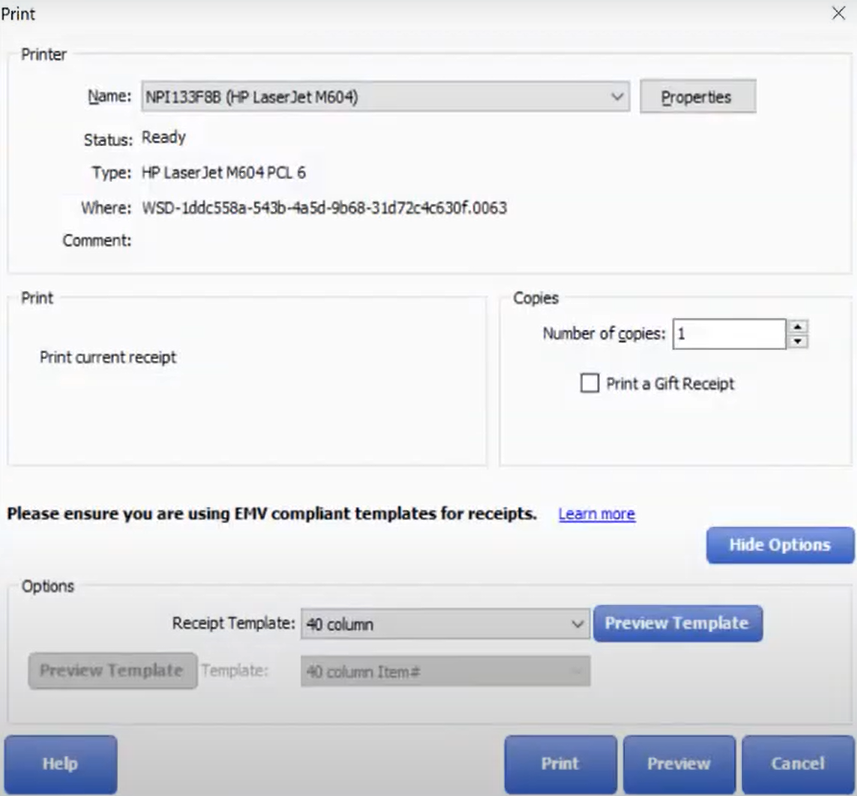
- After the credit card transaction “Print” screen will automatically appear to let you print a receipt.
- This is now your receipt. It will show on the receipt that you pay your bill in a credit card payment.