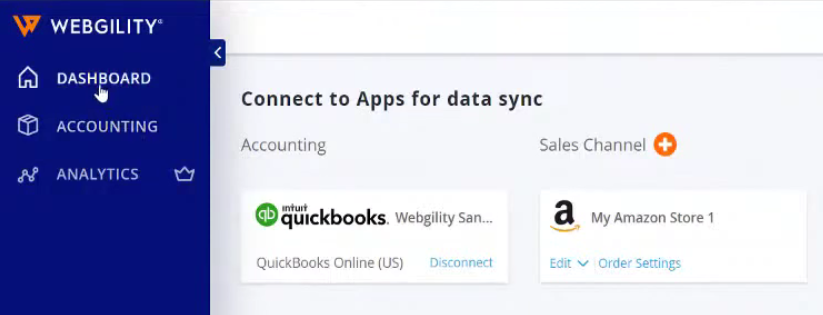
Today we’re going to connect your Amazon Seller account to your QuickBooks Online file. You can process your orders from amazon very quickly and easily, it also gets all the information right into your QuickBooks Online records. If you want an in-depth demonstration go to ecom.blackrocktest1.wpenginepowered.com.
Let’s go:
- On the Webgility software, click on the “Add Accounting”.|

- Select on “QuickBooks Online” for your accounting software.


- Now connect your “Amazon Seller” for your Sales Channel.
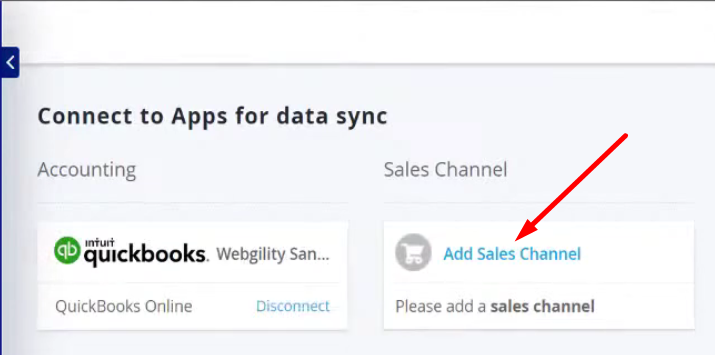

- It will now ask you to Log in to your Amazon Seller account. Also allow webgility access to your Amazon Selling account.

- After connecting your Amazon Selling account. Choose your desired options for your Accounting Preferences. Then click “Let’s Go”

- You can now open your Dashboard in Webgility once you have synced your QuickBooks Online and Amazon Seller.