
We’re going to do a demonstration on how to make a couple of contactless transactions.
Here goes:
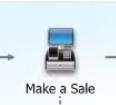
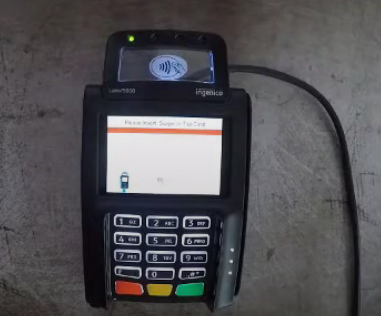
- First Boot up the Lane 5000 Pin Pad. Go to the “Make a Sale” on the home screen of QuickBooks Point of Sale.
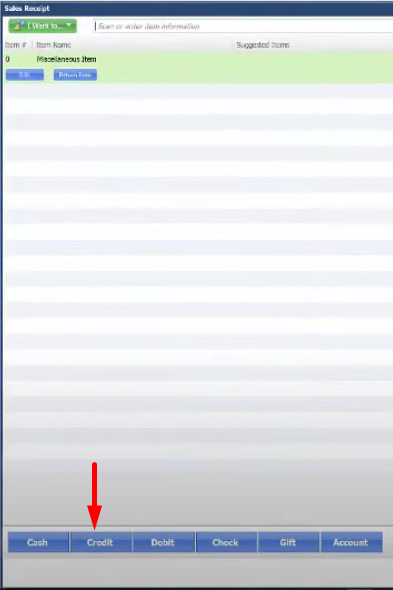
- On the Make a Sale window, add the items that you want to sell. Click on “Credit”.
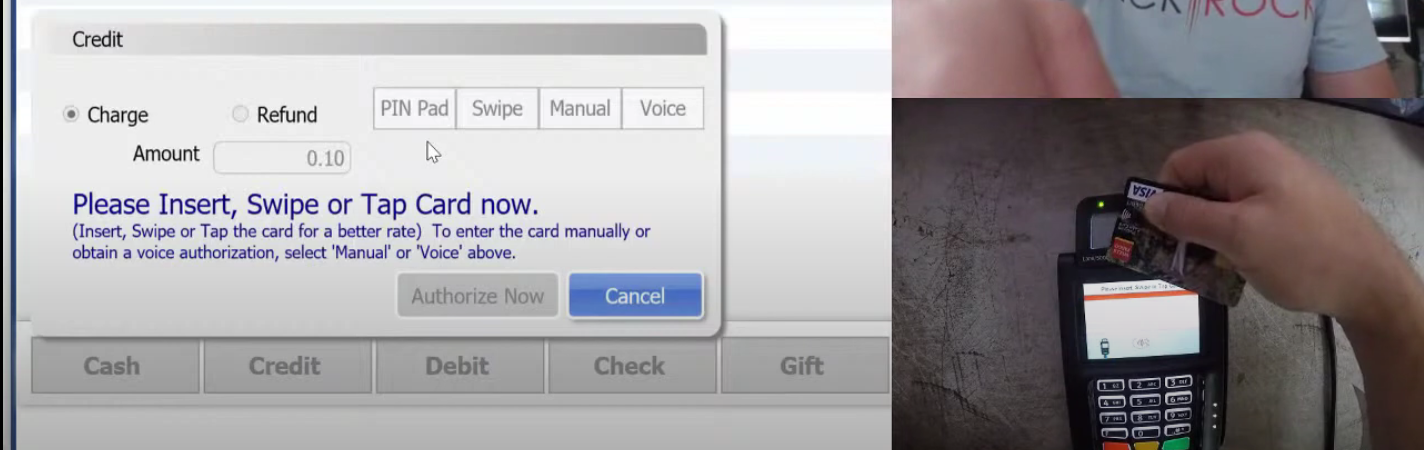
- Select “PIN Pad” as payment method then click “Authorize Now”.

- You can use your phone, smart watch and credit card as a contactless transaction in the Pin Pad. Then enter your PIN number.


- When transaction was authorized. QuickBooks Point of Sale will notify you and will automatically ask you to print the receipt.

