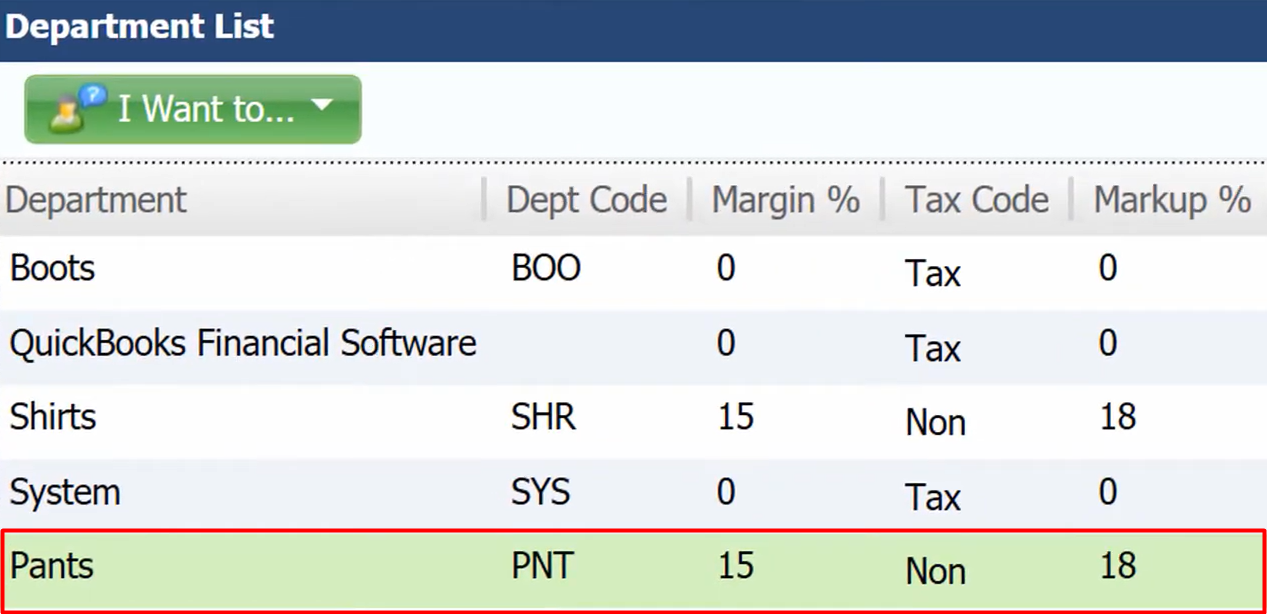
Today we are going to show you how to copy a department.
Let’s begin:
- On your Home screen go to “Department List”.
- On the Department list screen, let’s say for example we want to copy “Shirts” department because it has a setting for Margin and Markup that we want to apply to the new department.
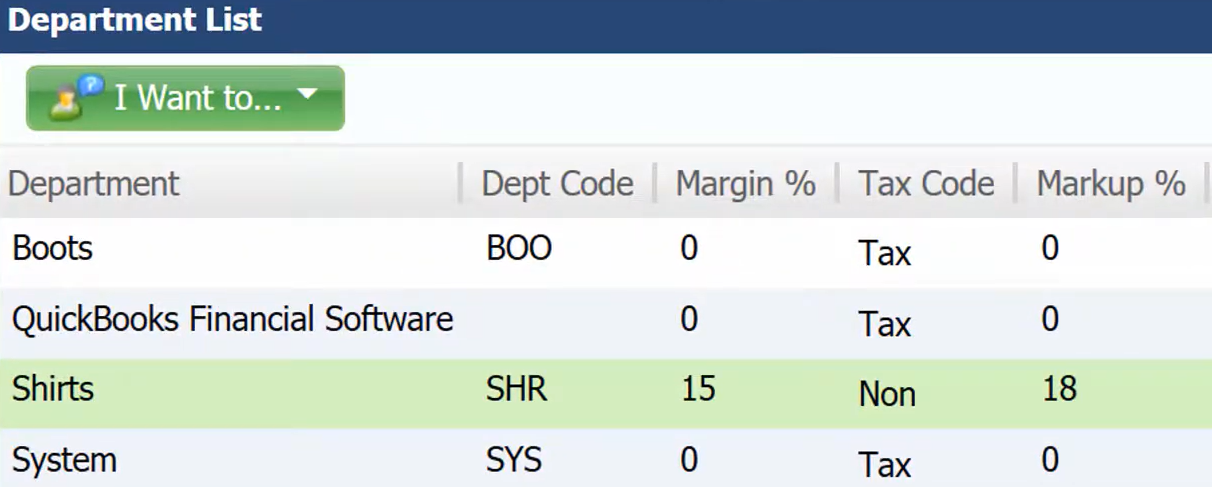
- Select “Shirts” then on the blue buttons select “Copy”.
- Add department screen will appear. Select “Save” if your done editing.
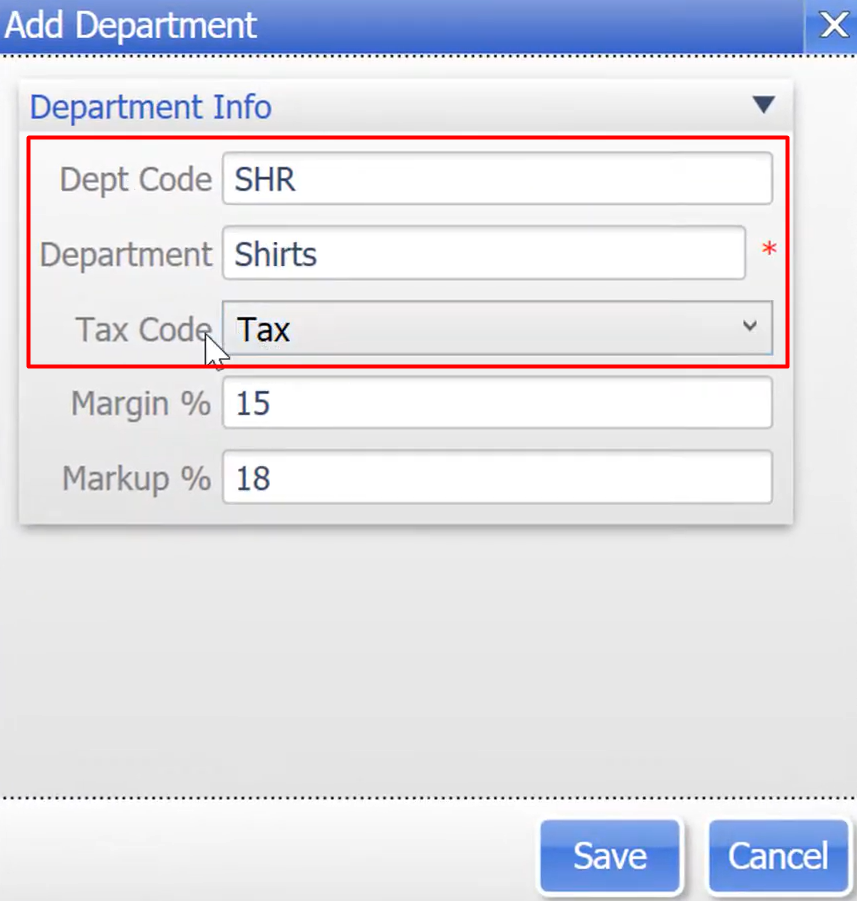
- Change the Department Code.
- change the Department name.
- On the Tax Code check your location if the item on your department is taxable or non-taxable.
- You have now successfully copied a department details mainly in Margin and Markup.