
Today we will show you to activate your Point-of-sale software.
Let’s begin:
- Select your QuickBooks point-of-sale software.
- Select “Register Now”.

- Fill in the boxes, then select “Continue”.

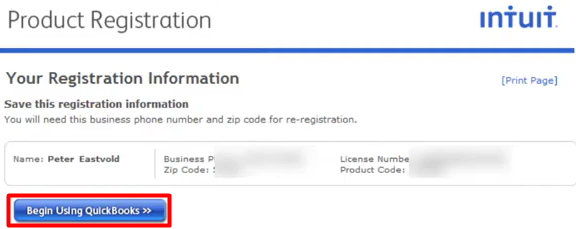
- Select “Begin Using QuickBooks”.
- Select “Finish”.

- You can now start using your QuickBooks point-of-sale.