
Let’s talk about a few special notes we have in QuickBooks Point of Sale when it comes to Item Quantities and Costs.
You have to keep in mind for your inventory items are:
- The “Average Unit Cost” is a field reflects the average cost of your current on-hand quantity of an item. This is automatically recalculated by Point of Sale when you create a voucher and receive an item at a new different cost.
- The “On-Hand Quantity” is going to reflect how much of the current product you have in stock at any given time. This is going to be affected by receiving vouchers, receipts, inventory adjustment memos and transfer slips to other stores.
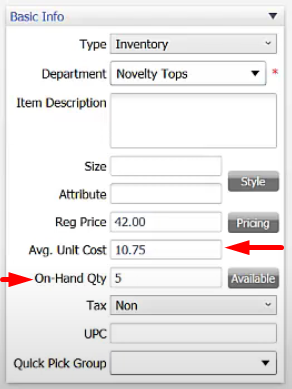
- Item quantity has a significant impact on your inventory value and your financial records over in QuickBooks Accounting.
- It is recommended that you manually enter and edit them into the on-hand quantity field only at the beginning when you’re entering items that are already in your store when you’re starting up Point of Sale.
- When starting up a store, it’s recommended to receive all of your brand new inventory items by using receiving vouchers. This will properly align your QuickBooks Financial Accounting software with the correct numbers and financial figures for running your store.
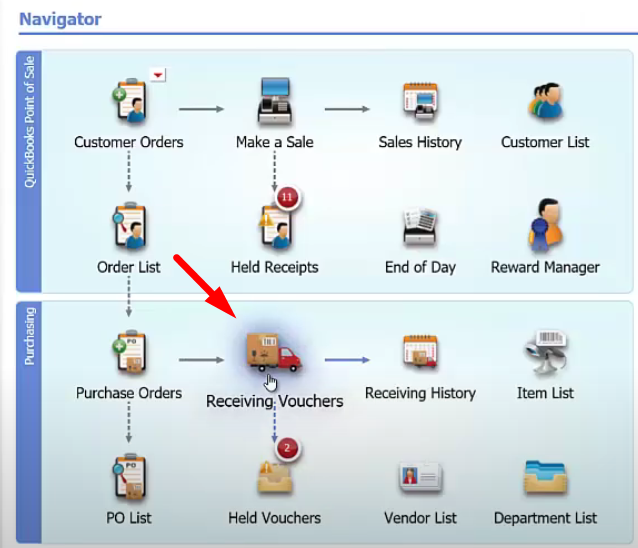
Let’s quickly go through how Quantity and Cost are affected:
- Receiving Vouchers – this is going to update the on-hand quantity in a positive manner as well as the average unit cost
- Receipts – if you sell something to somebody, this is going to deduct quantities from your quantity number
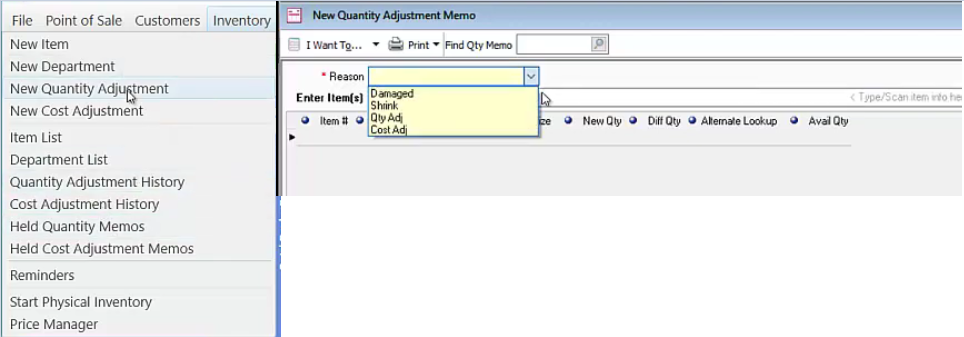
- Adjustment Memo – this is where you’ll manually adjust your quantity. It will be because stuff got stolen or broken.
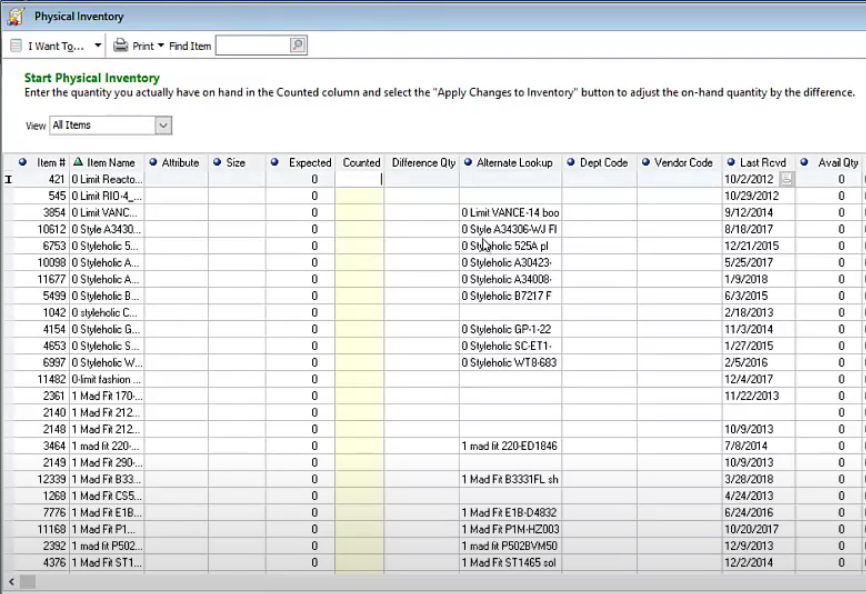
- Physical Inventory – you can run through and count your entire store once or twice a year. Recommend to use a scanner.
- Transfer Slip – Only available and also can be enabled with QuickBooks Point of Sale Multi Store. It will add or subtract your quantity numbers because you are moving product in quantities from one store to another.