
Problem:
Upgrading QuickBooks POS from previous version. During database upgrade / conversion, QuickBooks POS gives error: Convert from previous version failed.
I have run into this error a couple of times recently:
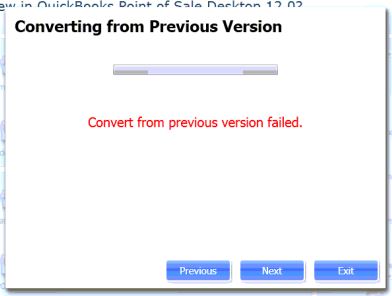
Fix:
Check if your Windows has an update to install. This may be happening because it needs a certain facilitation of the .NET framework that has not been updated on your computer. Each time I see this error, there is a Windows Update waiting to be installed. So, I choose to install it and restart. After the restart, things should go more smoothly.
Alternate Fix:
If this does not solve your problem, you may need to copy the POS Database to another computer to do the conversion with a copy of Windows that has all its working parts… Bummer.
Give us a call if you need some help: (888) 282-8833