
Today we are going to talk about the internet if it’s gone out. How we will handle that in point of sale specially on paying the items with a credit card.
Let’s begin:
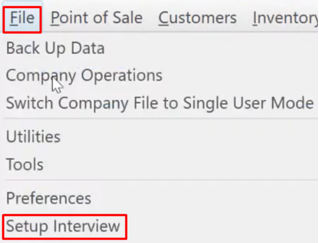
- Go to “File” menu, select “Setup Interview”.
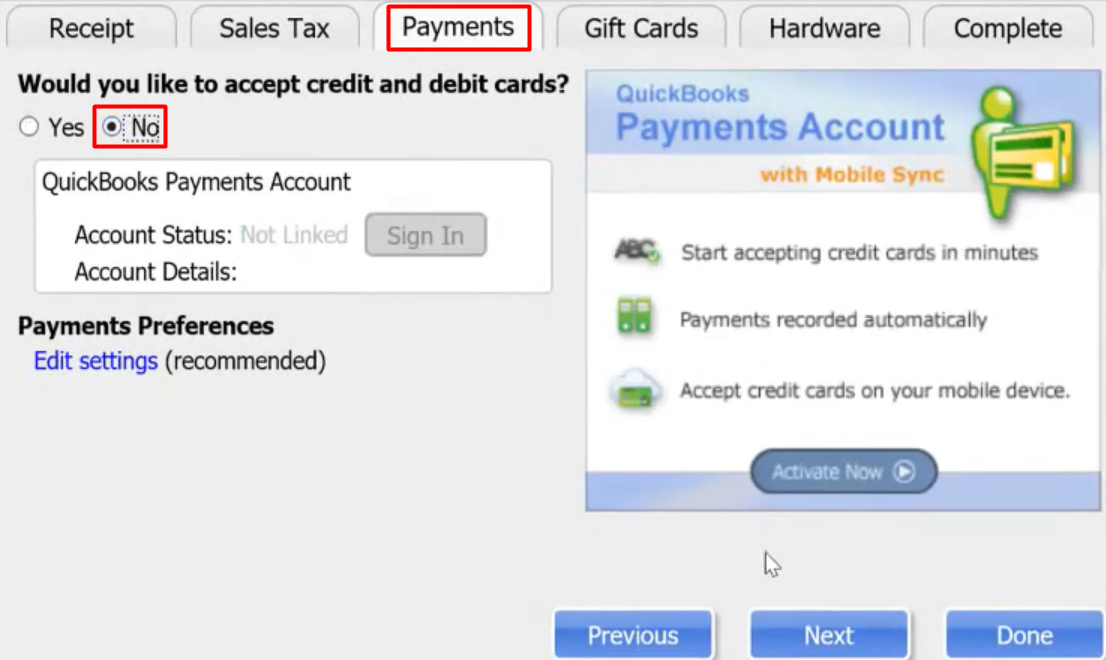
- Select “Payment” tab, then mark “No”. Select “Next” then click “Done”.
- Go to “Make a Sale”. Choose an item you want to pay in Credit Card.
- For example, you already have an item now this is your total bills.
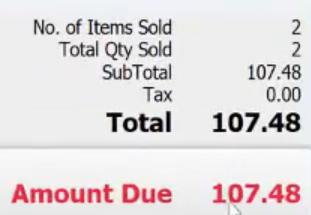
- For example, you already have an item now this is your total bills.
- Select “Credit”.

- Choose a Credit Card your customer wants to use.

- Now the point of sale processed your bills by credit card.

- Now the point of sale processed your bills by credit card.
Now let’s do the Payment:
- First, connect your Credit Card reader on your Phone or Tablet using Bluetooth.
- On your Mobile Phone or Tablet select “Gopayment” app.

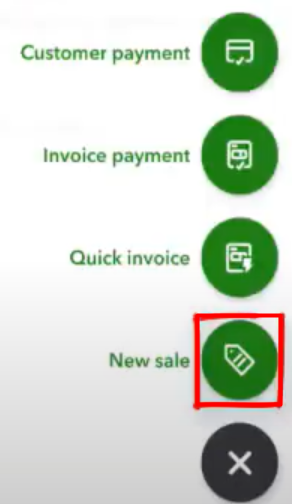
- Select “+” sign.

- Choose “New Sale”.
- Type in the amount, then click “Review Order”.
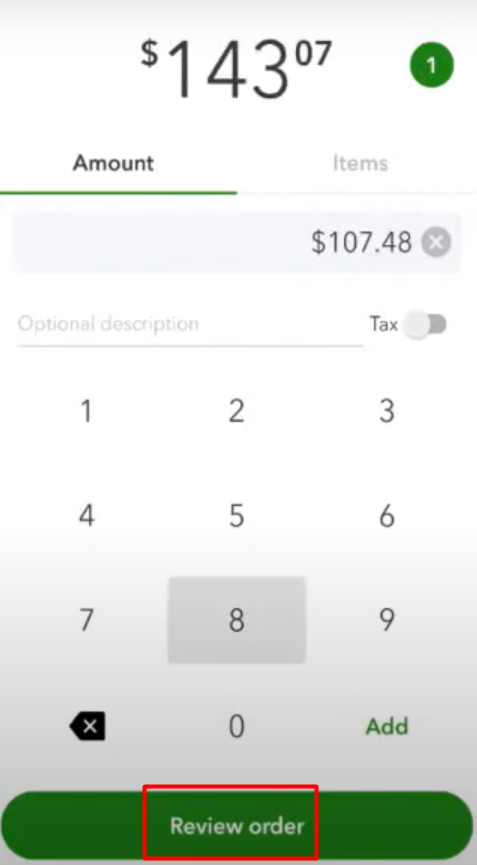
- Select “Charge”. Then click “Card Reader”.

- Inset your Credit Card to the Credit Card Reader to process your payment.
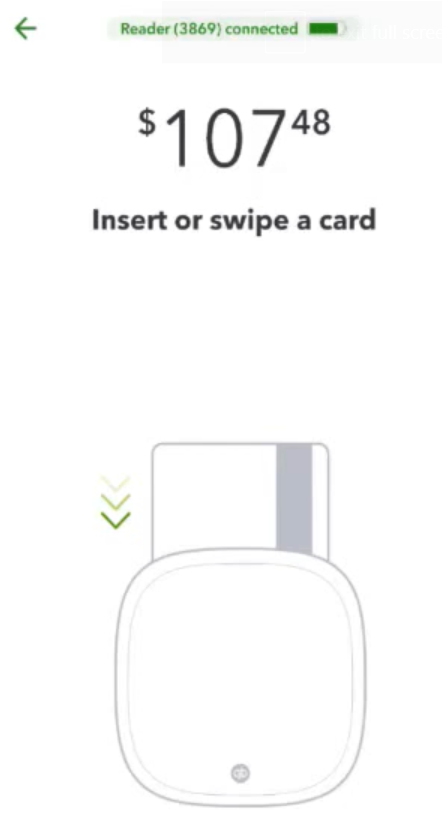
- After the Payment is done. Click “Save and Print” on your point of sale to process the receipt.