
Today we are going to talk about clearing out your entitlement folder to reactivate your QuickBooks POS.
Let’s begin:
- On your “File Explorer”, go to “This PC”.
- Double-click on “Windows C”.

- Select “Program Data” folder.

- Select “Intuit” folder.

- Select “Entitlement Client”.

- Choose the latest version (v8).
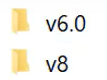
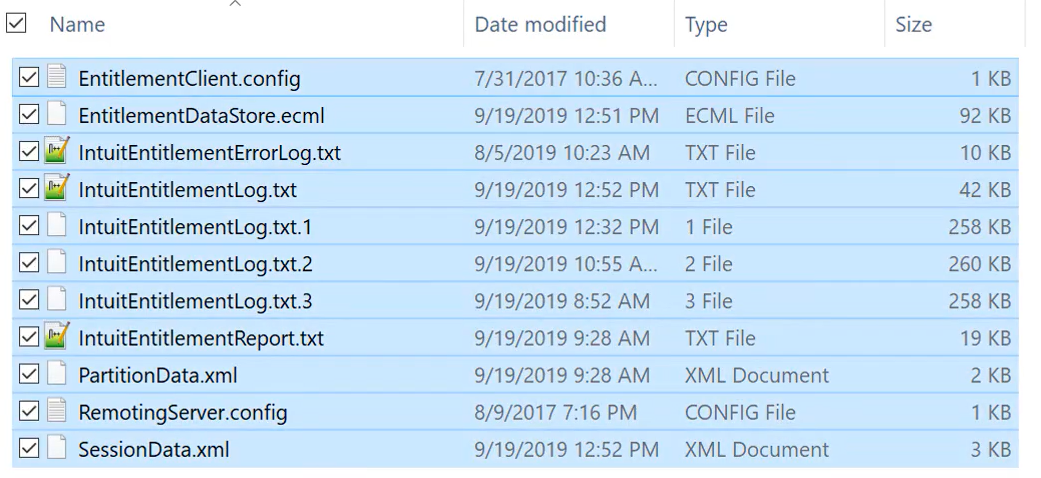
- Select everything in the folder v8, then Delete it.
- You can now Open your QuickBooks point of sale Window.