
Today where going to talk about about the QuickBooks Point of sale inventory scanner. QuickBooks POS inventory scanner this will save you a load time in doing your inventory counts.
Let’s begin:
- From your Scanner and Cradle plug this into your computer, then put the scanner on it.
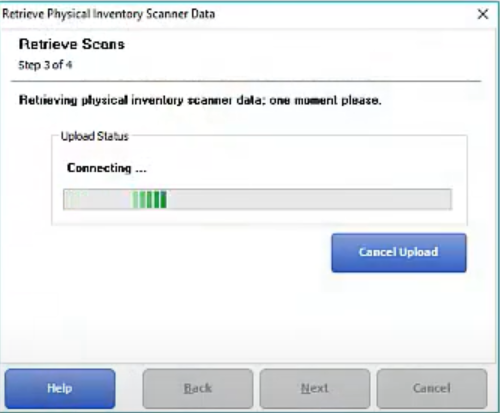
- When your done scanning all your inventory, upload it on your physical inventory.
- Then click “Close”.

- There you have it your new quantities are added into your point of sale.
