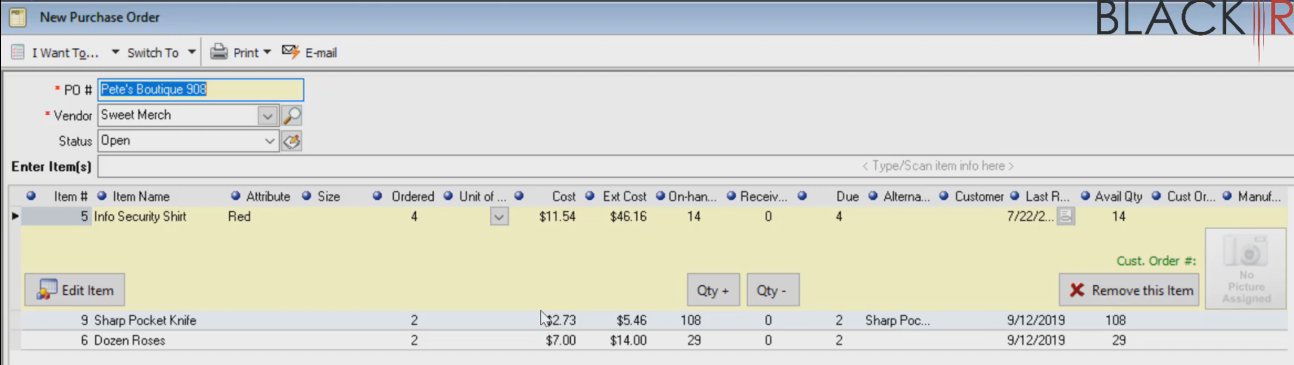
Today we’re going to talk about how to copy a purchase order. This is to save time especially when you made a purchase order in the past or if you have fixed schedule of ordering a certain item.
Let’s start:
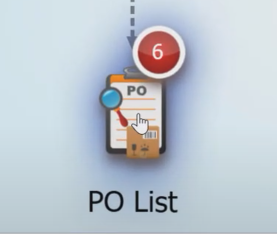
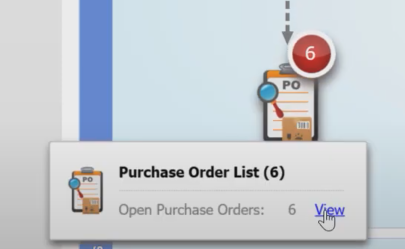
- Click on the “PO List” then select “View”.
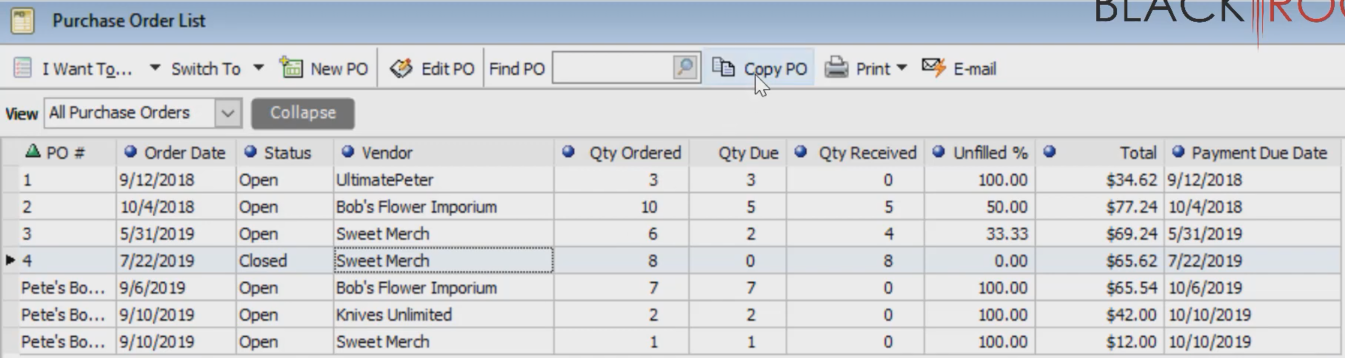
- Highlight the Purchase Order that you want to copy, then click on “Copy PO”.
- It will now create a new purchase order with the same vendor, item and quantity. The only thing different is the Purchase Order number and the probably the date. You can also add items then you could save and print or email it to your vendor.