This is how to delete a Vendor in QuickBooks Point of Sale. Take note that when you delete a vendor in QuickBooks Point of Sale but the vendor still remains in QuickBooks Accounting, it may actually repopulate back over to QuickBooks Point of Sale.
Here’s how:
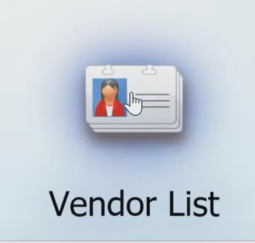
- Click on “Vendor List” on the home screen of QuickBooks Point of Sale.
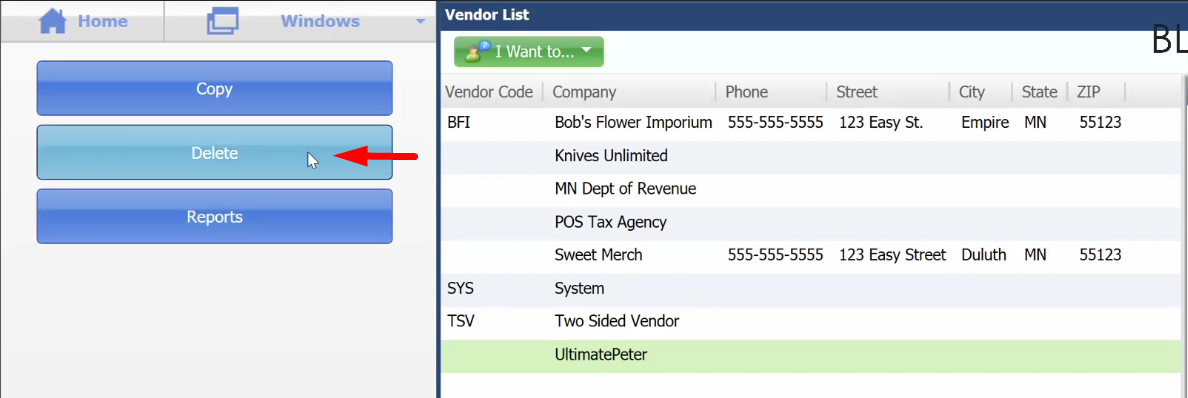
- On the Vendor List screen, click on the selected vendor. Then click on the “Delete” button on the right side of the screen.
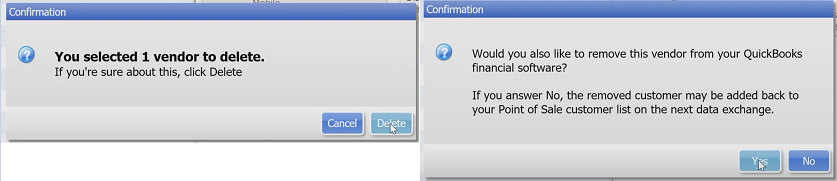
- Once you have clicked “Delete”, QuickBooks Point of Sale will reconfirm your decision. Once you’ve clicked “Delete”, another message will pop-up notifying you that it will also delete the vendor on QuickBooks Accounting. Click “Yes”.