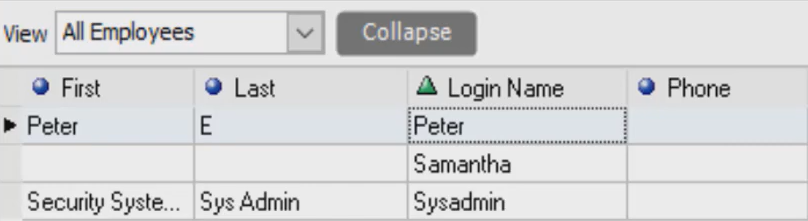
Today we are going to talk about how to delete an employee into your QuickBooks point of sale.
Let’s begin:
- On your Homepage, select “Employee List” icon.
- Select the employee you want to delete then double click on it. (For example, Bob Dole)

- Employee Info tab of Bob Dole will appear. Go to “I want to” menu then select “Delete Employee”.

- Select “Delete”.

- John Dole has now been deleted on your Employee List.