
Purchase orders are what you are going to create so you can order items from your vendor. This can help you on how to fix a purchase order with the wrong items or quantity of items.
So in case you’ve entered the wrong item on your order to your vendor here’s how to edit your purchase order:
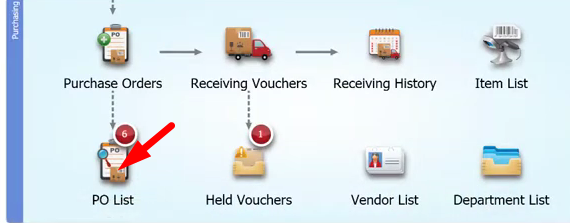
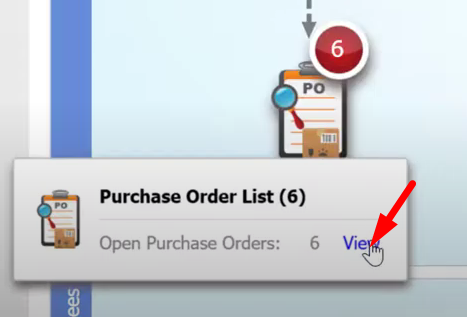
- Click on the “PO List” then select on “View”.
- Once you have faxed or sent the wrong purchase order to your vendor and you plan to change it, keep in mind that you have to send an email to your vendor. Give them the instructions and a heads up that you will change the purchase order.
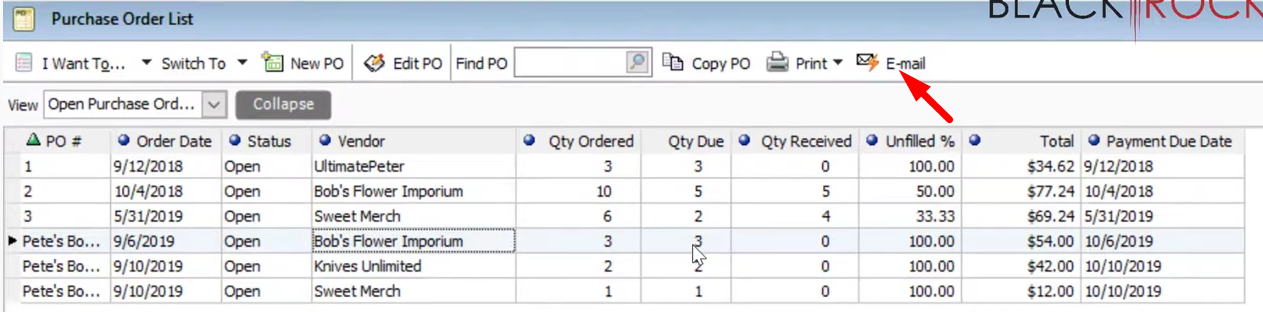
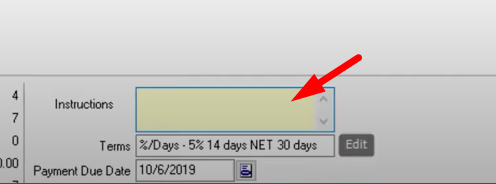
- Select on the order that you would to change and add the products that is needed for the order. You can also add some instructions to your vendor to clear things out with the orders.
Once finished updating the Purchase Order, you can now Save and Print.