
We’re going to talk about emailing out of point of sale whether it’s a receipt or a purchase order. Also emailing it through Google mail.
*Requirement: Microsoft Outlook*
Here’s what we’re going to do:
- Link your Google Mail Account to Microsoft Outlook.

- Then let’s go in “Make a Sale” and do a sample sale. At the check-out area of the sale click “Save & Email”
*Note: Only applies for Point of Sale Version 19 and up*
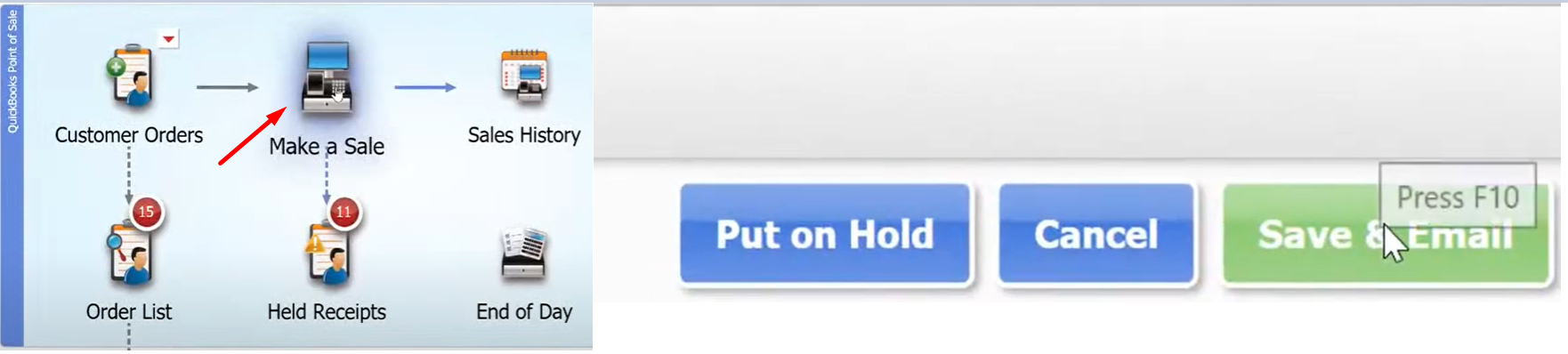
- It will automatically pop up in your Microsoft Outlook window with the details of your receipt.
