
Today we will talk about how you can extend your expired discount on your store.
Let’s begin:
Earlier, we set up a discount and we let it expire. And now we will show you how to extend it.
- On the “Inventory” menu select “Price Manager”.
- On the Price Manager select “View all Discounts and Coupons”.

- You will see the discount that we set up is “Inactive” because it expired.

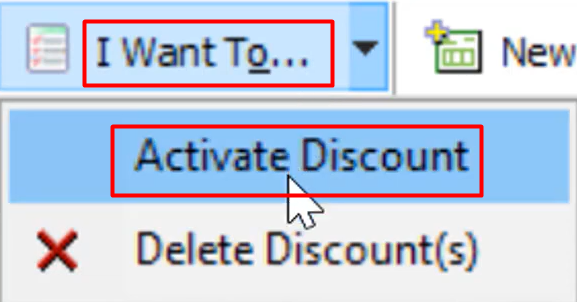
- Now let’s reactivate it, highlight the expired discount then go to “I want to” menu then select “Activate Discount”.
- Change the “Date” and “Time” to when you want your discount to extend. Select “Next”.
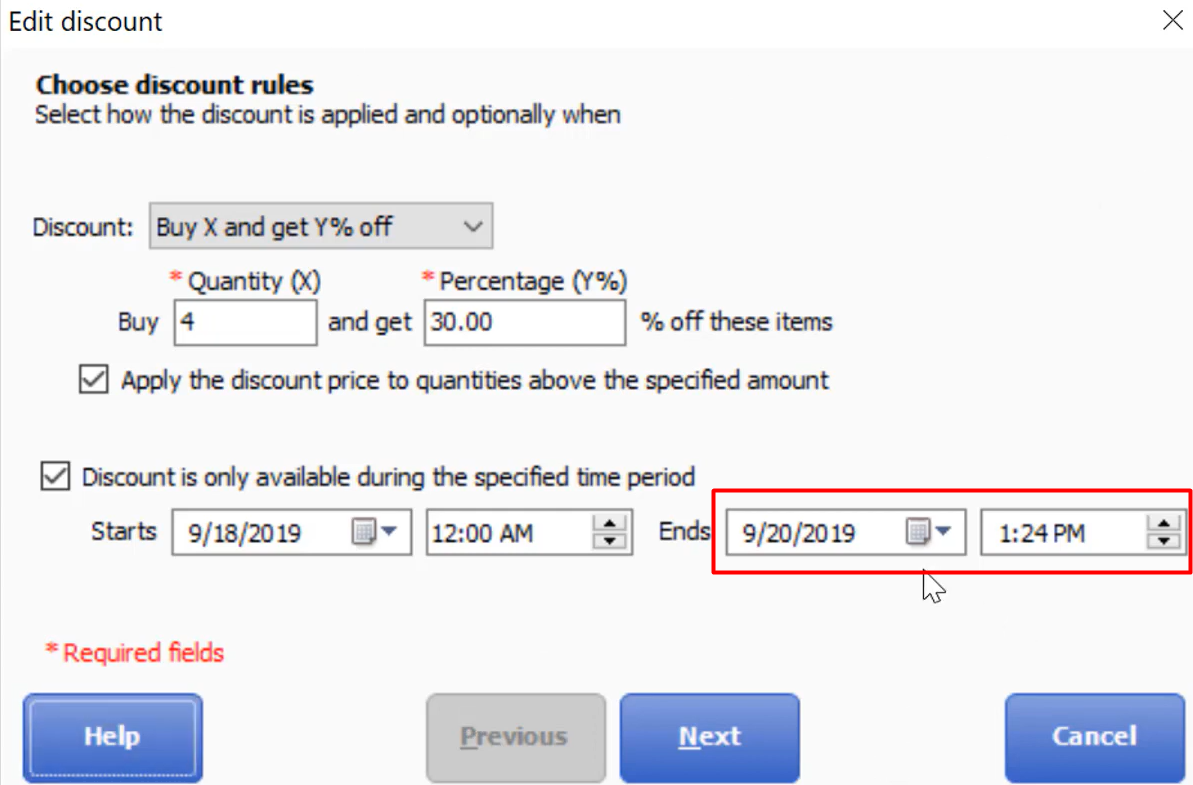
- Select “Next and select “Next”, then select “Finish”.
- We’ve now Activated and Extend the expired discount.
