
Today we are going to talk about on how you can actually clear the entire scanner memory.
Let’s begin:
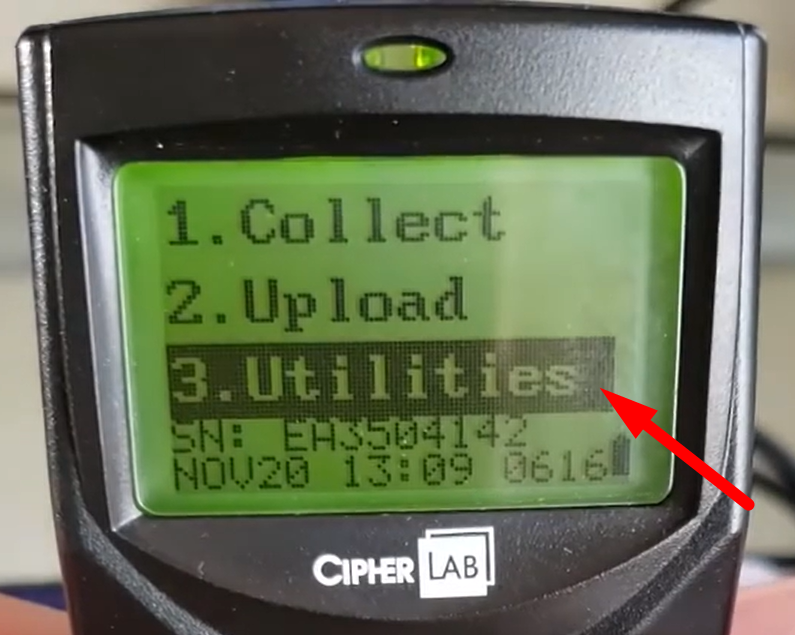
- On your Inventory scanner select “Utilities”.
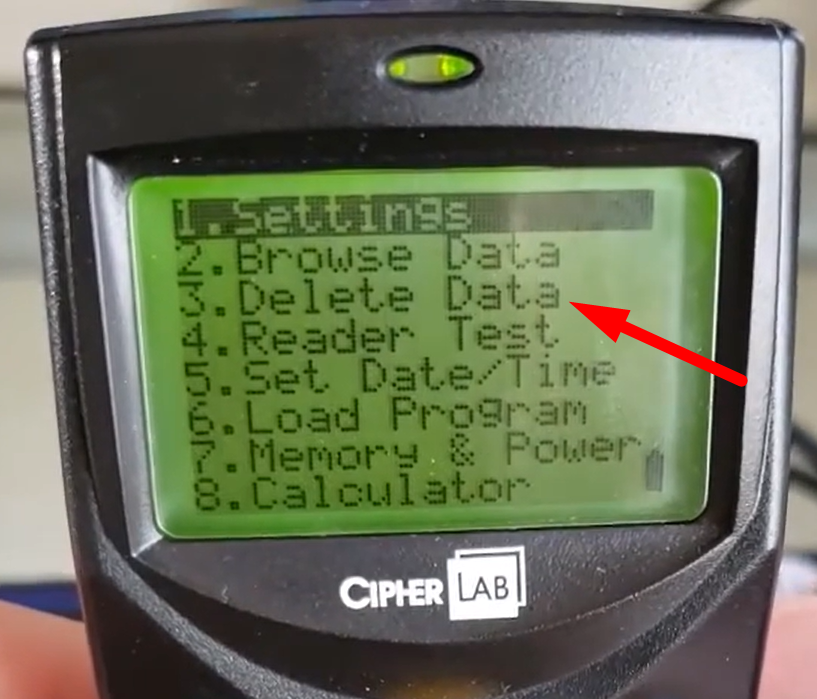
- Select “Delete Data”.
- Delete data screen will appear.
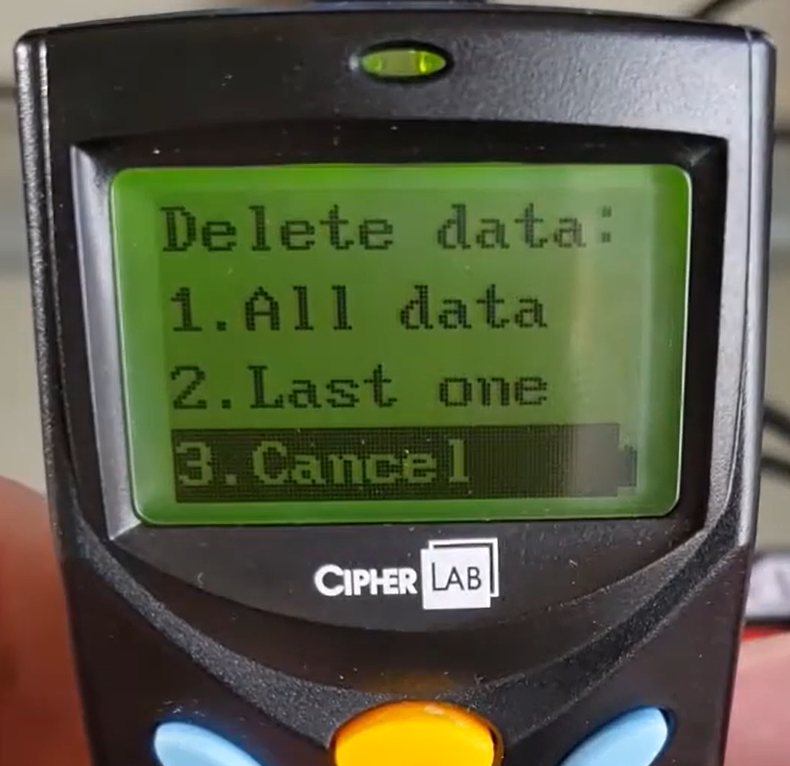
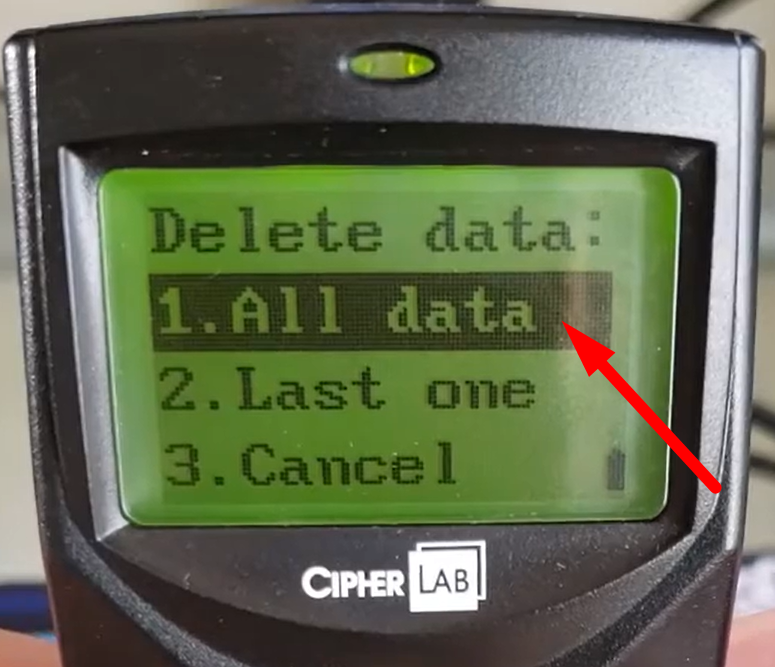
- All data – if you want to delete all your data on your inventory scanner.
- Last one – if you want to delete the last record you just made.
- Since we want to clear the memory of our Inventory scanner, on your Delete data screen select “All data”.
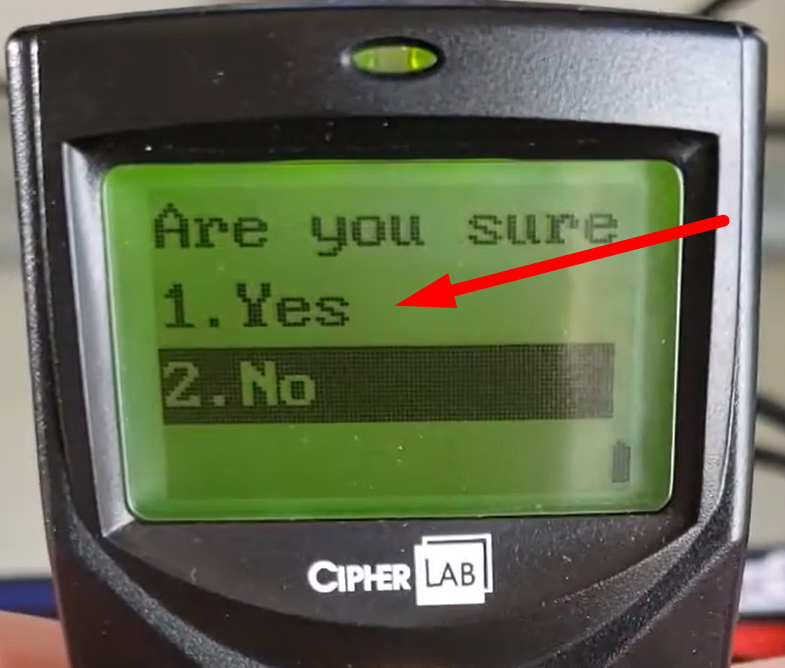
- Select “Yes”.
- “Deleted” text will appear on screen.
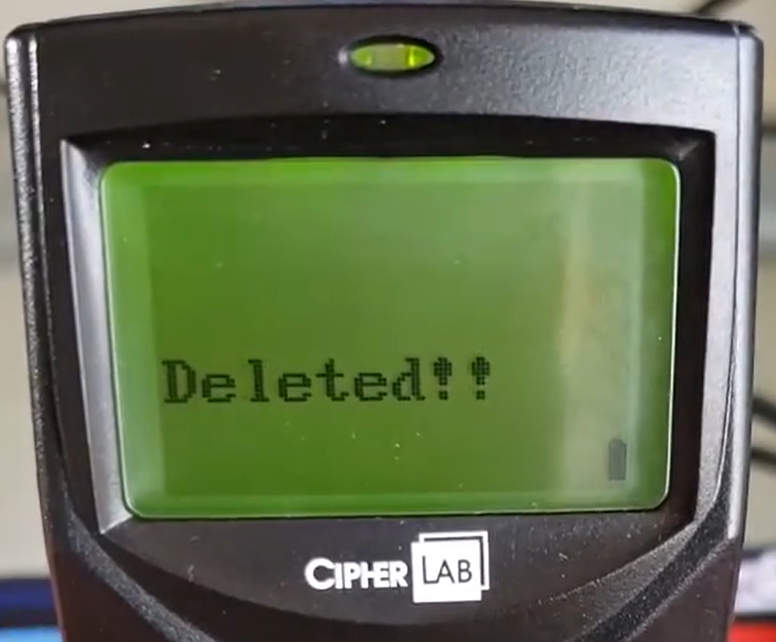
- You have now successfully cleared the memory of your Inventory scanner.