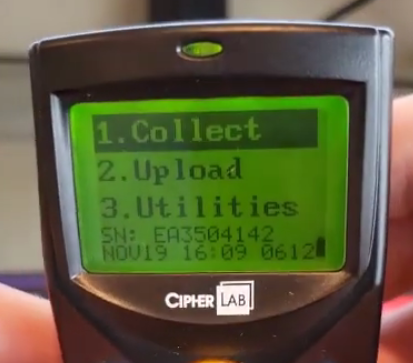
We’re going to talk about an issue where in your inventory scanner’s screen is very dim and how to fix it.
Let’s start:
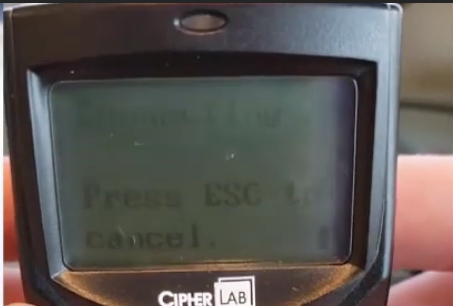
- Below image is a sample of a dim screen. For some reason the contrast ends up getting very light.
- Press and hold on the “FN” Key and the bottom left. Then either press the “Up” button or “Down” button to adjust the contrast.

- Adjust until satisfied with the contrast of the screen.