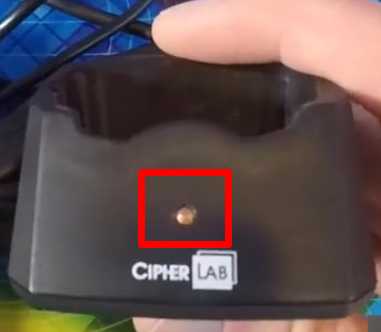
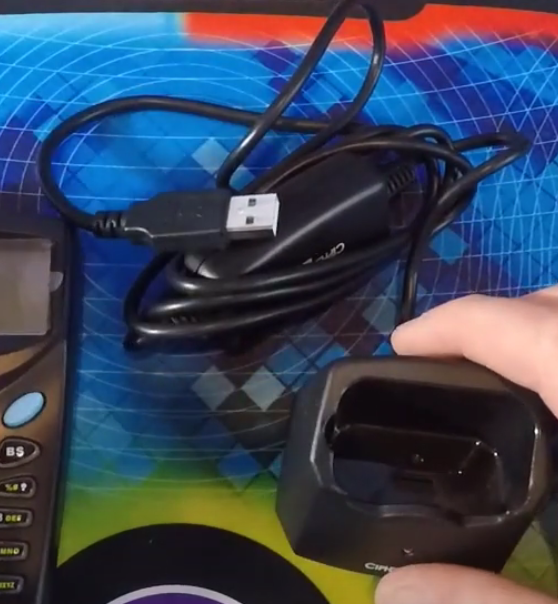
- Just a quick overview of the Inventory Scanner for QuickBooks Point of Sale, it has 2 main pieces, the cradle and the inventory scanner.


- The box includes the USB cable that you will plug to your computer for a direct connection to your QuickBooks Point of Sale. The inventory scanner is not a plug and play device so it is advisable to contact us to set up your QuickBooks Point of Sale Inventory Scanner.
- It is advisable to put rechargeable batteries so you won’t have to replace all the time your battery.

- Start the Inventory Scanner by pressing on the power button on the lower right of the keypad. The 3 Main menus that have to appear is the “Collect”, “Upload” and “Utilities”. Contact us if it does not appear on your screen.

- Also take note that the light on the cradle has no function, it was an old design that was carried over up to the latest version.