
So we’re going learn on how to troubleshoot your inventory scanner when it’s not working. We have some basic trouble shooting steps to make your inventory scanner work.
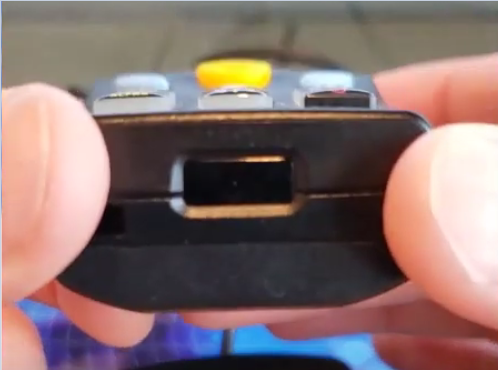
- When having problems uploading your data from your scanner to QuickBooks Point of Sale. Make sure the tassel on your inventory scanner is snugged properly on the cradle so that the infrared on the bottom of the scanner can connect with the infrared of the cradle.

- Also make sure to wipe or clean the infrared on the Scanner and Cradle.

- Lastly, try plugging the USB cable to a different USB port in the computer.
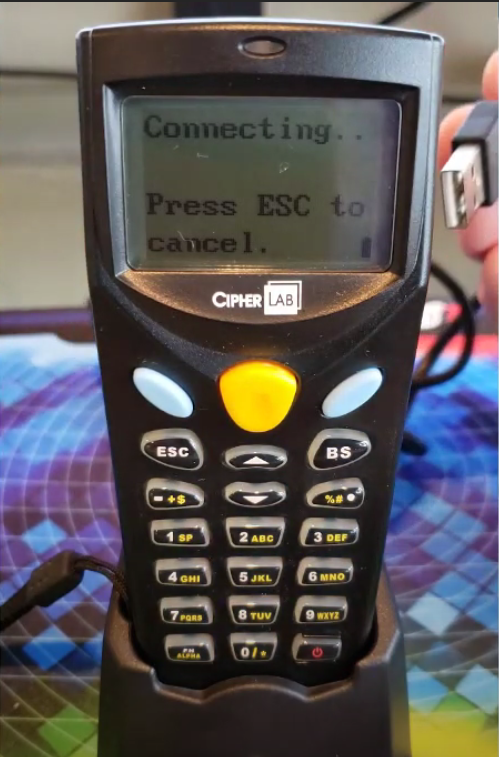
- Just a quick note, the light on the cradle has no use and was just left added to latest models.
