
Today we will talk about the sale settings and preferences in QuickBooks Point of Sale.
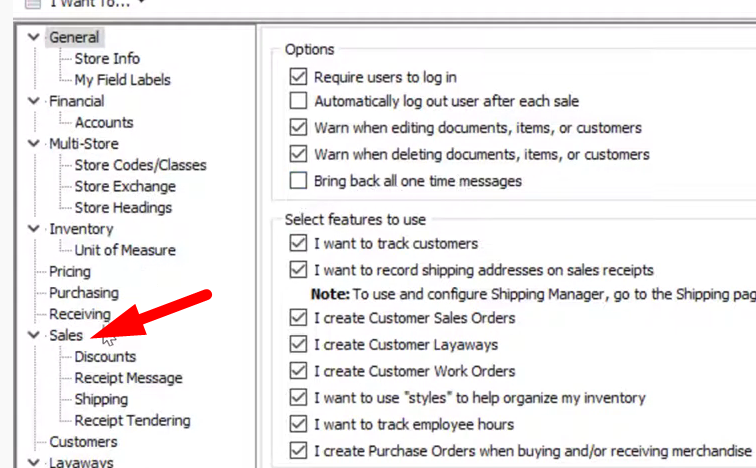
- Let’s begin by going through the General Options for Sales. To get there click on the “Files” menu, select on “Preferences” then click on “Company”.

- Next, click on the “Sales” and there you will see the General Options on Receipts and Customer orders.
- You can change on how you want your customers’ name to be displayed. You can do this by selecting on the drop down button and there you will find default options for that.

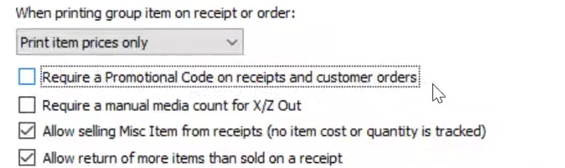
- You can also change on how your group items are going to show up on your receipt. A group item is a bunch of individual items with their own price because they’re a group.

- Below you can also change the settings on what will show up on the receipts. You can require a promotional code on receipts and customer orders so that in every single sale comes from a promo you can easily track it.
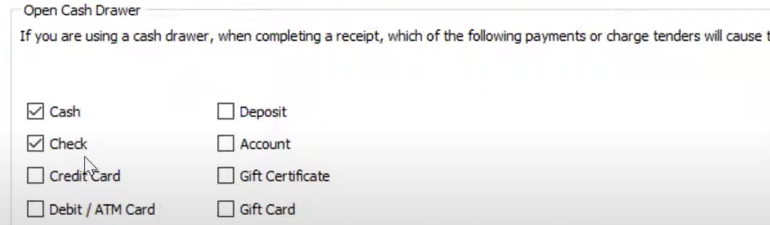
- You can change the settings when do you want your cash drawer to open. Just tick on the options that you want that will cause the cash drawer to open.
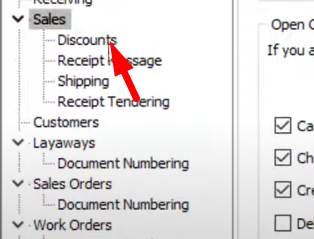
- Next on the Sales area preferences we are going to dicuss about Discounts. Under Sales, select on “Discounts” to view the settings for discounts.
- You can require a reason for giving out discounts and ask your emloyees to type in or select from the drop down button the reason for giving out discounts. You will also find the settings for coupons and if you want to include them on the receipts you can add them by tikcing on the options below.

- Moreover you can also change the Receipt Message by clicking on “Receipt Message” under Sales. There you will find a box where you can type in your message.

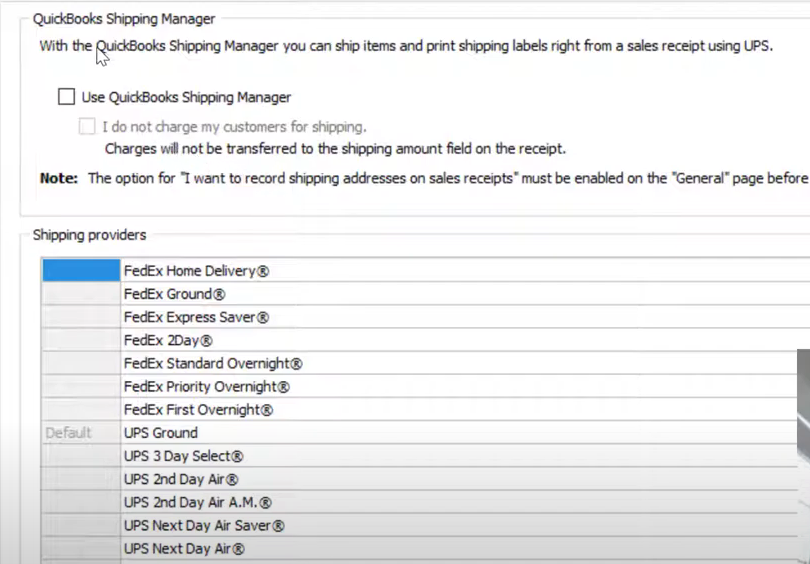
- Next you have the Shipping settings, you can activate the “Quickbook Shipping Manager” where you can actually hook this up to UPS and you can ship your products out to people right in point of sale. Otherwise if you are not using the shipping manager, you can still have alisting of shipping providers to choose from. This could help you intracking delayed items or packages.
- Lastly under the Sale settings, you have the Receipt Tendering. You can turn on or off the different payment methods. You may choose from cash, checks, credit card, debit cards and gift certicates. In here you can aslo decide which cards you would want to accept from the customers. In QuickBooks Point of Sale you have the ability to add a tip button where you can collect tips from customers via credit, account or gift card transactions. You can also block additional account charges when the account charges are past due.
