I have run into many boutique store owners who would like to track their customer’s birthdays and send a special gift or discount out on their birthday. While QuickBooks POS does not do this automatically out of the box, there is a simple workaround that will help us in this endeavor.
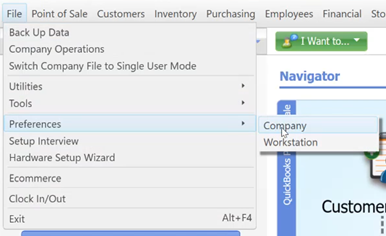
- Go on the File Menu to Preferences and Company.
- Choose My Field Labels under the General heading.

- Turn on the first Customer Custom Field with the Check Mark and Label it Birth Date.

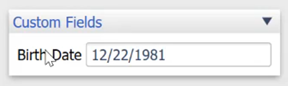
- You will now notice on Customer Profiles during QuickBooks POS Customer Creation, a new field called Birth Date. Simply fill it in while creating a customer.
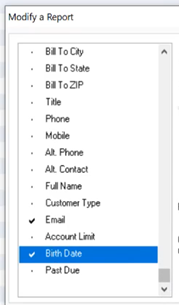
- You will now be able to add this column to the customer list page, or even add the column to reports, in order to export a list of monthly birthdays. This will help in your marketing efforts.