Today we will learn on how to make an item list in our QuickBooks Point of Sale.
Here’s how:
- Go to your receiving voucher, select on the drop down button that is beside the search bar.

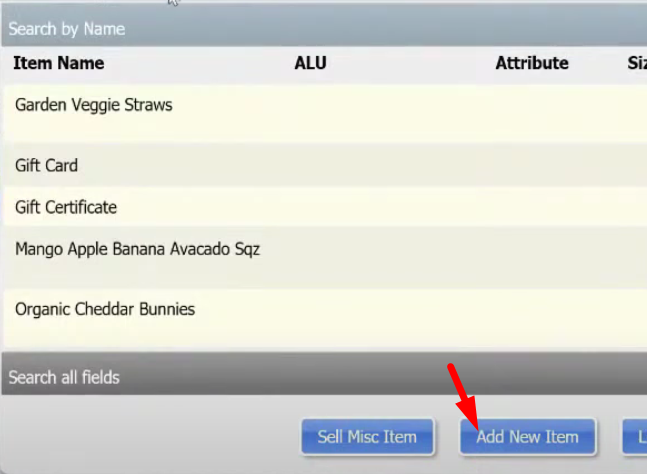
- Click on “Add New Item”.
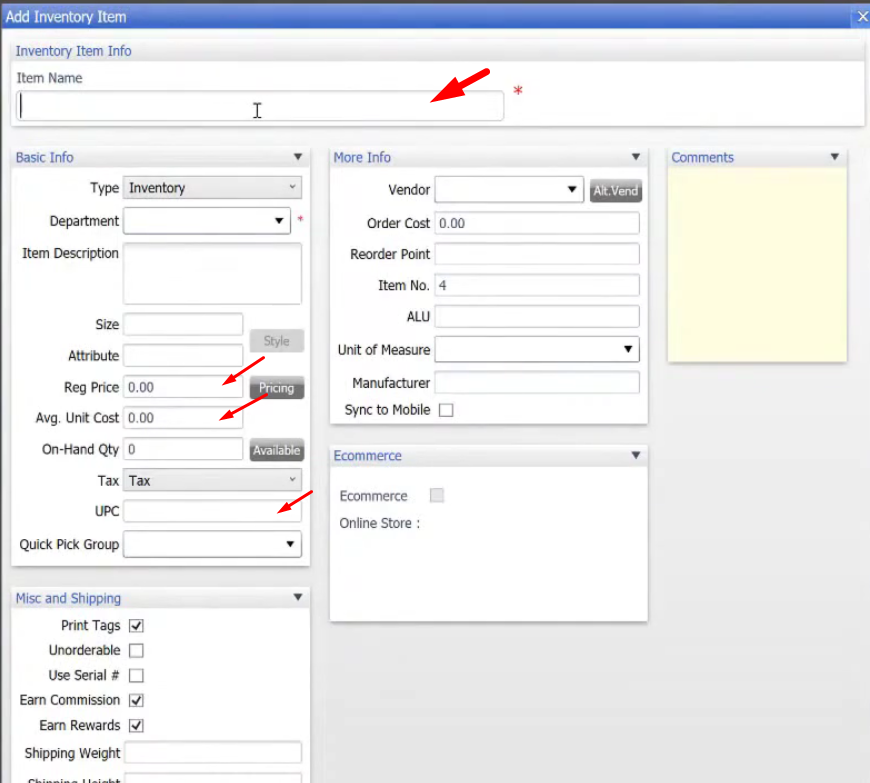
- On the new window, add the details of the new item.
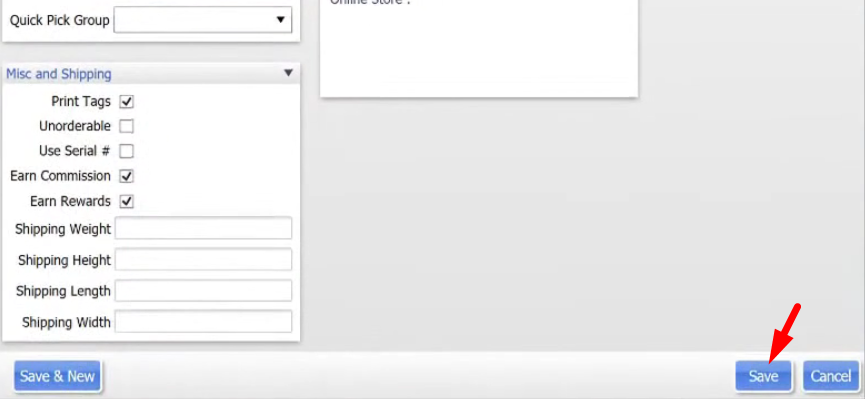
- When you’re done adding the needed details, just click on “Save”.