
Today we will talk about logging in and logging out in QuickBooks point of sale and how you can restrict random people from using your point of sale.
Let’s begin:
- First, we will teach you how to Log Out.
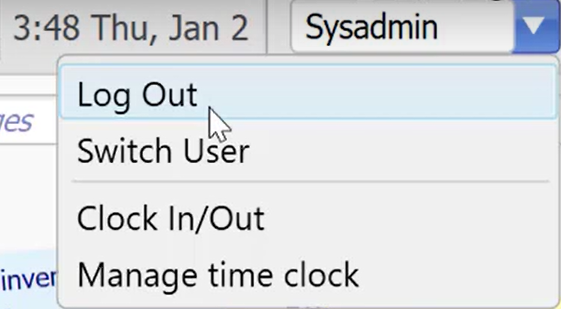
- On the upper right corner of your Homepage, select the drop-down menu then click “Log out”.

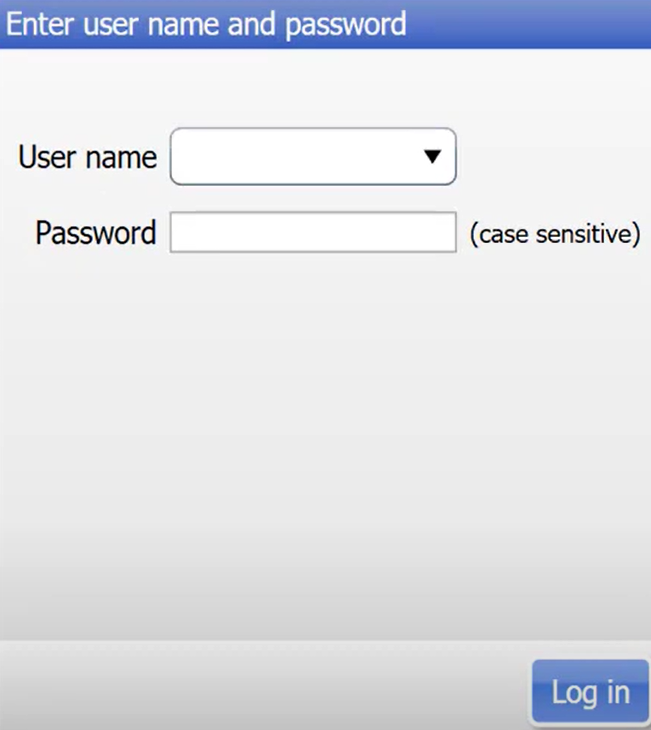
- “Enter user name and password” screen will appear.
- On the upper right corner of your Homepage, select the drop-down menu then click “Log out”.
- Second, we will teach you how to log in.
- Fill in your Username and Password, then click “Log In”.

- Fill in your Username and Password, then click “Log In”.
- Third, we will teach you how to “Switch User” and Restrict random people from using your point of sale.
- On your drop-down menu, select “Switch User”.
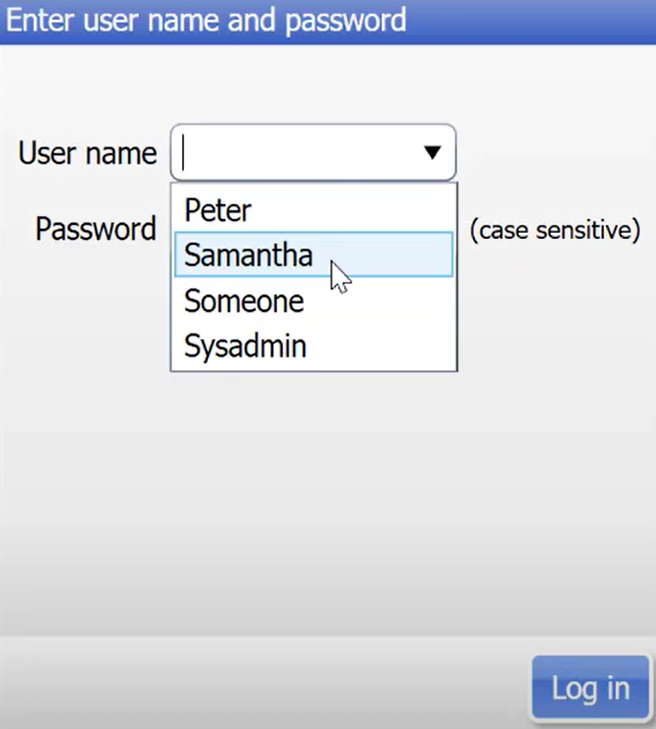
- Choose the name you want to Log in (For example, your employee Samantha). Then click “Log In”.
- As you can see at the Homepage, Samantha’s account has limited access to the system which means that this is the only Icons that Samantha can use in point of sale.

- You can always switch user if you want to have access to the whole point of sale.
- On your drop-down menu, select “Switch User”.