
We’re going to cover on how to upgrade your old company in QuickBooks Point of Sale to the new version 19 QuickBooks Point of Sale.
So before that, we have a QuickBooks Desktop Point of Sale 19 User Guide here.
Let’s get started:
- Launch QuickBooks Desktop Point of Sale 19.
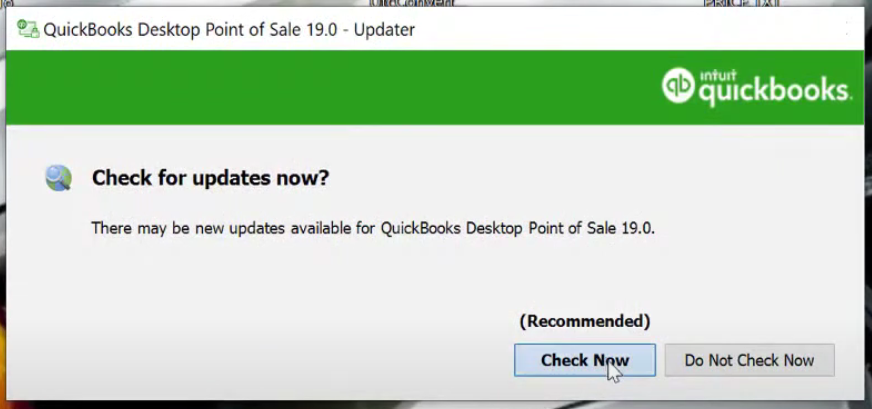
- It is recommended selecting “Check Now” for updates whenever you start up the application.
- Tick on the “Convert from previous version” then click “Next”. On the next window select the previous version and fill-in the Company Name.

- For Multiple Companies in your previous Point of Sale, make sure that the last one opened company is the one that you wanted to upgrade.
- Log in your account.

- There you have it! Your QuickBooks Point of Sale Company has been upgraded.
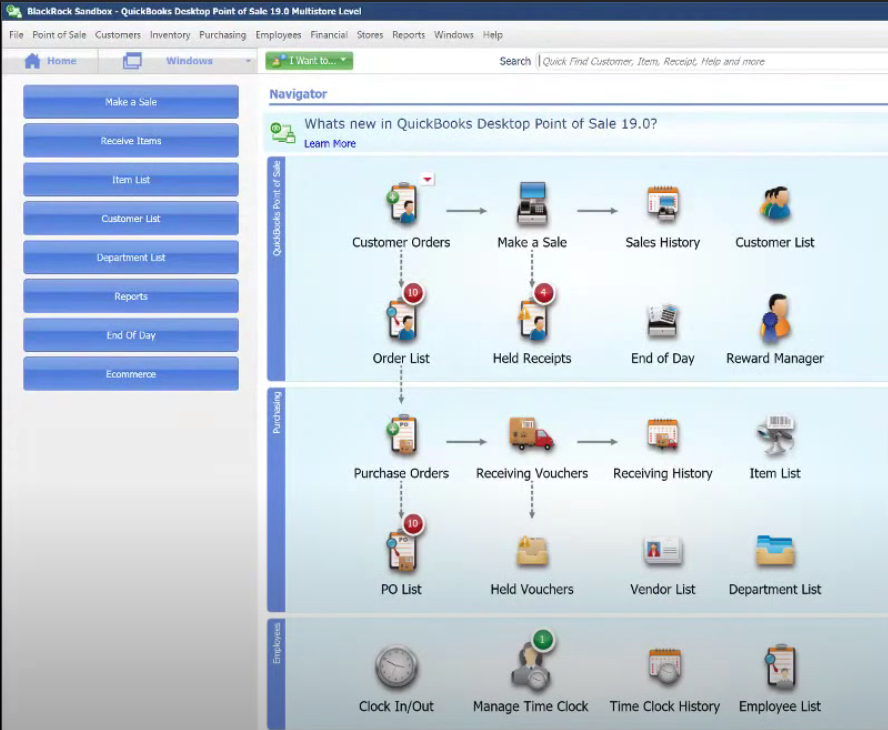
For more information of the new features added click on this link.